EasyManua.ls Logo

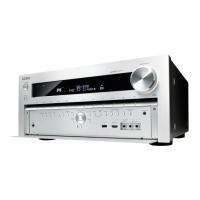
Onkyo TX-NR838 - User Manual

Onkyo TX-NR838
26 pages
Print Icon
To Next Page IconTo Next Page
Loading...
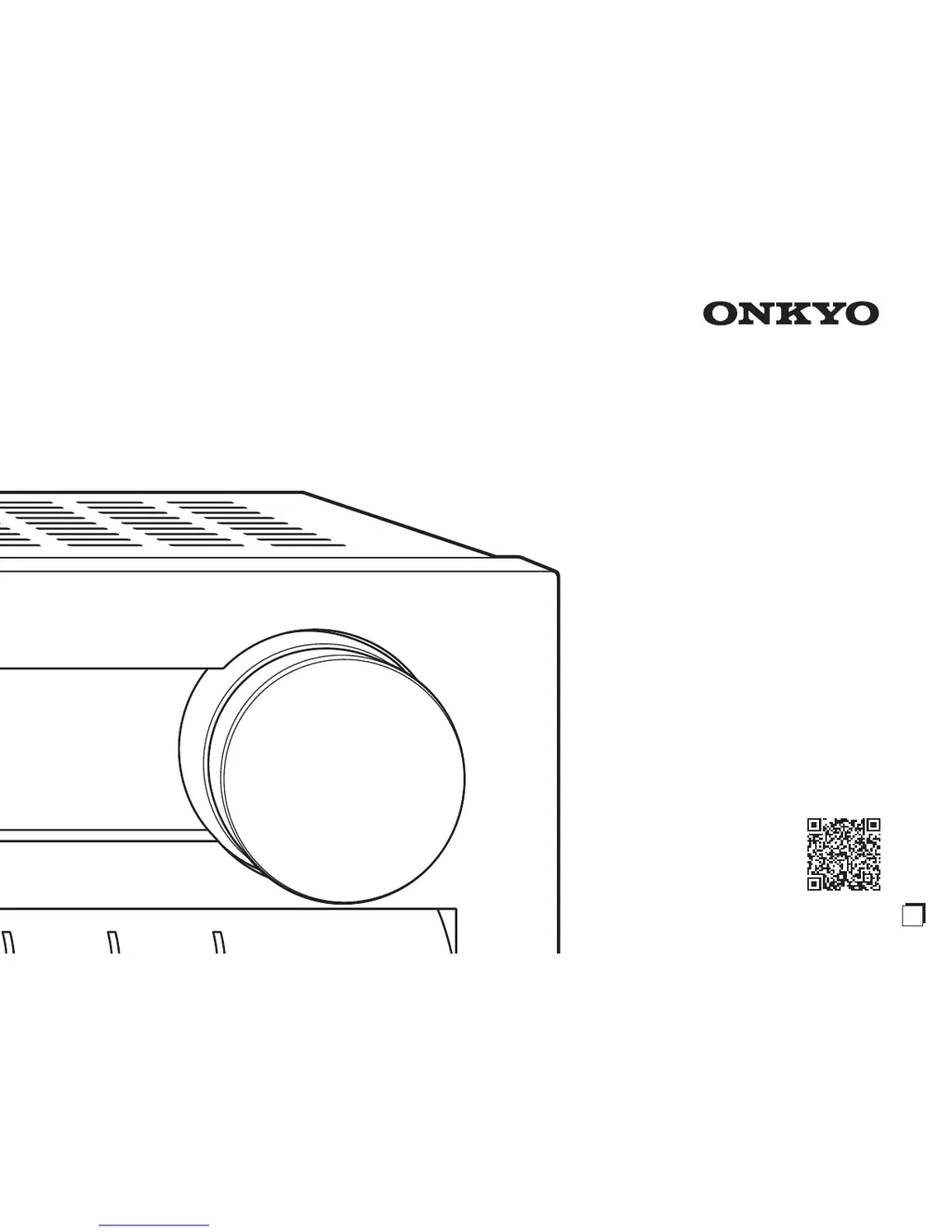
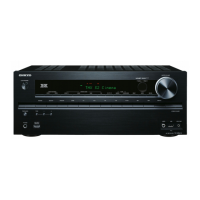
TX-NR838
AV RECEIVER
Basic Manual
Advanced Manual found here
http://www.onkyo.com/manual/t xnr838upg/adv/en.html
E
n

Other manuals for Onkyo TX-NR838

Questions and Answers

  • S
    simpsonjosephJul 26, 2025
    How to fix HDMI control on Onkyo TX-NR838?
    • R
      Ronald SanchezJul 26, 2025
      If your Onkyo Receiver's HDMI control isn't working correctly, ensure you turn on the CEC link function on the unit. You'll also need to enable the HDMI linked system setting on your TV.
  • L
    Louis SmithJul 30, 2025
    Why is there no sound on my Onkyo TX-NR838 Receiver?
    • S
      Shannon ThomasJul 30, 2025
      If there's no sound or the sound is very quiet on your Onkyo Receiver, first, make sure you've selected the correct input for your player. Also, verify that muting is not enabled. Not all listening modes use all speakers.
  • J
    jasminelittleAug 3, 2025
    Why does my Onkyo TX-NR838 turn off unexpectedly?
    • N
      Nancy CastilloAug 3, 2025
      If your Onkyo AV receiver turns off unexpectedly, it might be because the Auto Standby feature is enabled. The receiver will automatically enter standby mode when Auto Standby is set and launched.
  • M
    Marcus McconnellAug 8, 2025
    How to fix Onkyo TX-NR838 when it cannot access network?
    • J
      Jesus SmithAug 8, 2025
      If you cannot access the network with your Onkyo Receiver, try unplugging and plugging back in the unit or the wireless LAN router, or check that they are powered on. If the desired wireless LAN router is not in the access point list, it may be set to hide SSID or the ANY connection may be off. Change the setting and try again.
  • A
    Alexa NortonAug 12, 2025
    What to do if Onkyo TX-NR838 Receiver remote controller does not work?
    • K
      Krista FoxAug 12, 2025
      If the remote controller for your Onkyo Receiver isn't working, make sure to press RCV first before operating the unit with the remote controller.
  • L
    Lacey KelleyAug 16, 2025
    What to do if Bluetooth is not working on Onkyo Receiver?
    • U
      usimonAug 16, 2025
      If you're experiencing Bluetooth issues with your Onkyo device, try unplugging and plugging back in both the unit and the Bluetooth-enabled player. Then, ensure that Bluetooth is enabled on the Bluetooth-enabled device and that a connection with the unit has been established.
  • M
    Margaret StricklandAug 20, 2025
    Why is there no sound for multi-zone function on my Onkyo Receiver?
    • R
      Rebecca DunnAug 21, 2025
      Multi-zone output is not possible if the connection is only with digital optical cable or digital coaxial cable. When you connect a CD player or such other player without HDMI output jack, connect it to the analog audio input jacks of the unit. In case of analog connection, analog audio output setting may be necessary on the player.

Summary

Before Start

About the Manuals

Explains the content and structure of the Basic and Advanced Manuals.

Key Features and Accessories

Lists the main features of the receiver and the included accessories.

Step 1: Connections

Connecting TV and Players

Details HDMI connections for TVs and playback devices, including ARC.

Step 1: Connections

Non-HDMI Connections

Explains how to connect components without HDMI using audio and video cables.

Step 1: Connections

Speaker Setup and Connection

Covers speaker layout, types, and connection instructions.

Step 1: Connections

Other Connections

Details AM/FM antenna, network, and headphone connections.

Step 2: Setting Up

Initial Setup Wizard

Guides through the initial setup process, including power on and wizard steps.

Step 2: Setting Up

AccuEQ Room Calibration

Explains the automatic speaker setup and room calibration procedure.

Source Connection Check

Details the process of verifying input source connections.

Step 2: Setting Up

Network Connection Setup

Guides on establishing Wi-Fi or wired network connections.

Step 3: Playing Back

Basic Playback Operations

Covers turning on the unit, selecting inputs, and adjusting volume for playback.

Step 3: Playing Back

Listening Modes and Radio Tuning

Explains listening modes and how to tune and register AM/FM radio stations.

Step 3: Playing Back

Bluetooth and Home Menu Usage

Details Bluetooth device connection and navigation of the HOME menu.

Step 3: Playing Back

Quick Setup Menu Functions

Describes how to use the Quick Setup menu for common adjustments.

Step 3: Playing Back

Multi-Zone Functionality

Explains how to set up and use multi-zone playback and outputting audio/video to a separate room.

Step 3: Playing Back

Separate Room Audio and Multi-Zone Playback

Details connecting amplifiers/speakers for separate rooms and performing multi-zone playback.

Front Panel Overview

Rear Panel Connections

Troubleshooting

Common Issues and Solutions

Addresses common problems like HDMI control, remote issues, and sound problems.

System Reset Procedures

Details how to reset the unit and the remote controller to factory defaults.

Technical Specifications

License and Trademark Information

Precautions and Compliance

Spotify Connect Support

Onkyo TX-NR838 Specifications

General IconGeneral
Receiver typeSurround
Frequency range5 - 100000 Hz
Pre-out channels7.2
Input sensitivity200 mV
Pre-out connectivityYes
Audio output channels7.2 channels
Signal-to-Noise Ratio (SNR)106 dB
Total Harmonic Distortion (THD)0.08 %
Dynamic power per channel (3 Ohm)300 W
Dynamic power per channel (4 Ohm)250 W
Dynamic power per channel (8 Ohm)150 W
Power output per channel (20-20KHz@8 Ohm)180 W
HDMI in7
Composite video in4
Digital audio coaxial in3
Digital audio optical in2
Component video (YPbPr/YCbCr) in1
Speakers connectivity type-
Ethernet LANNo
Bluetooth version2.1+EDR
Bluetooth profilesA2DP, AVRCP
RDS featuresPS, PTY, RT, TP
AM band range522 - 1610 kHz
FM band range87.5 - 108 MHz
Supported radio bandsAM, FM
Preset stations quantity40
Internet radio services supportedPandora, Spotify, TuneIn
DisplayLCD
Product colorBlack
Audio decodersDolby TrueHD, DTS-HD Master Audio, THX Surround EX
AC input voltage220-240 V
AC input frequency50 - 60 Hz
Power consumption (standby)0.15 W
Power consumption (typical)720 W
THX-certifiedTHX Select2 Plus
Weight and Dimensions IconWeight and Dimensions
Depth198.5 mm
Width435 mm
Height400 mm
Weight15500 g

Related product manuals