Tips:
Verify the camera is in Video / Photo Mode, Press shortly the UP button to turn on/off
Wi-Fi.
Verify the camera is in Video Mode, Press shortly the Down button to turn on/off
audio record.
GETTING STARTED
HELLO
Welcome to your new camera. To capture video and photos, you need a micro SD card.
MICRO SD CARDS Use brand name memory cards that meet these requirements:
Micro SD / Class 10 or UHS-I rating / Capacity up to 8~ 64GB (FAT32)
To power ON:
Press and hold the Power/Mode Button for seconds to the screen on.
To power OFF:
Press and hold the Power/Mode Button for seconds to the screen off.
OVERVIEW
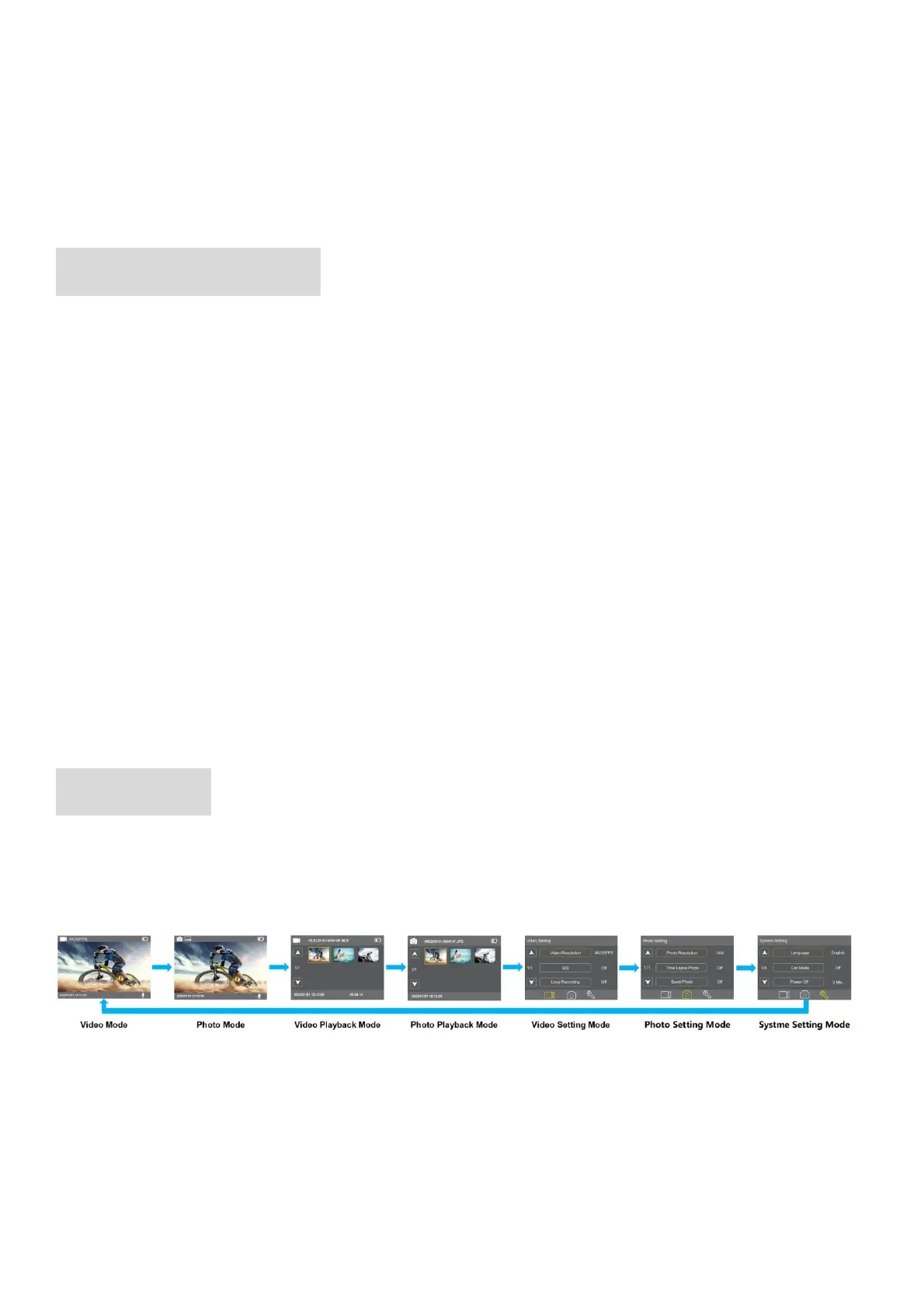
Turn camera ON and repeatedly press the Mode Button to cycle through camera modes
and settings. The modes will appear in following order:
◼ VIDEO MODE
Video Mode is the default mode when you turn on the camera.
In Video Mode, press Shutter button, the camera starts recording video,press Shutter
button to stop recording video.



 To Next Page