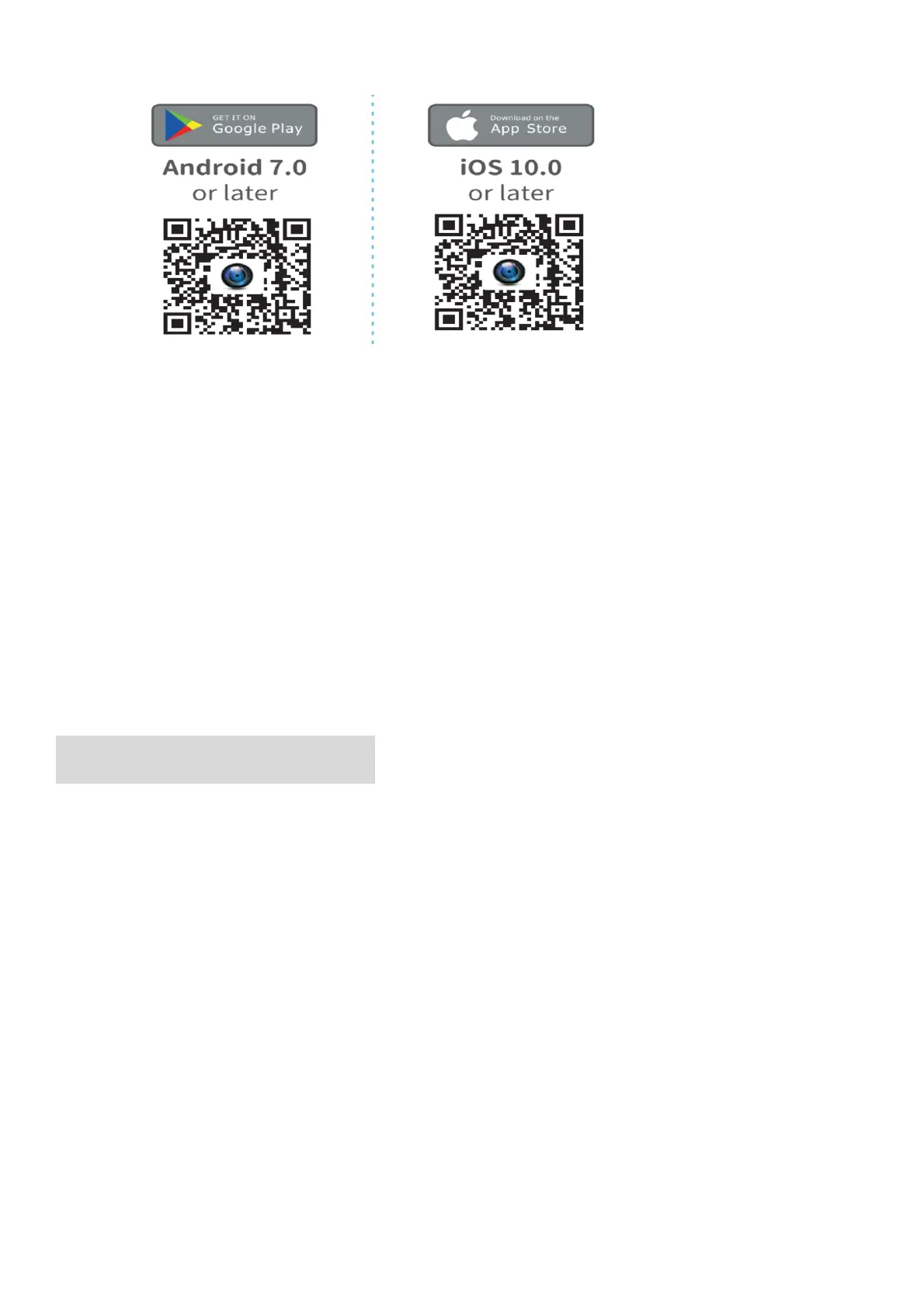
Scan the QR code below to download the FUN DV App or to your smart phone.
Notes:
Google,Android,Google play,App Store and other marks are the trademarks of Google LLC.
◼ Connect to the Wi-Fi App
1. Press the Power/Mode Button to power the camera ON.
2. Verify the camera in video mode: Press shortly the Up/Wi-Fi Button to turn on
Wi-Fi,then the Wi-Fi icon and Wi-Fi SSID & password will show on of the screen.
3. Connect to the network called “FUN DV”in your smart phone ’s Wi-Fi setting.
4. Enter the password”12345678”
5. Launch the FUN DV App on your smart phone.
6. Press the Up/Wi-Fi Button again to turn off Wi-Fi.
REMOTE CONTROLLER
Place the Remote Control On Your Wrist and Acquiesce Ultra-convenient Control For
Hiking,Biking, Skiing,Bungee and more while installing the camera on your Helmet or
other place.



 To Next Page