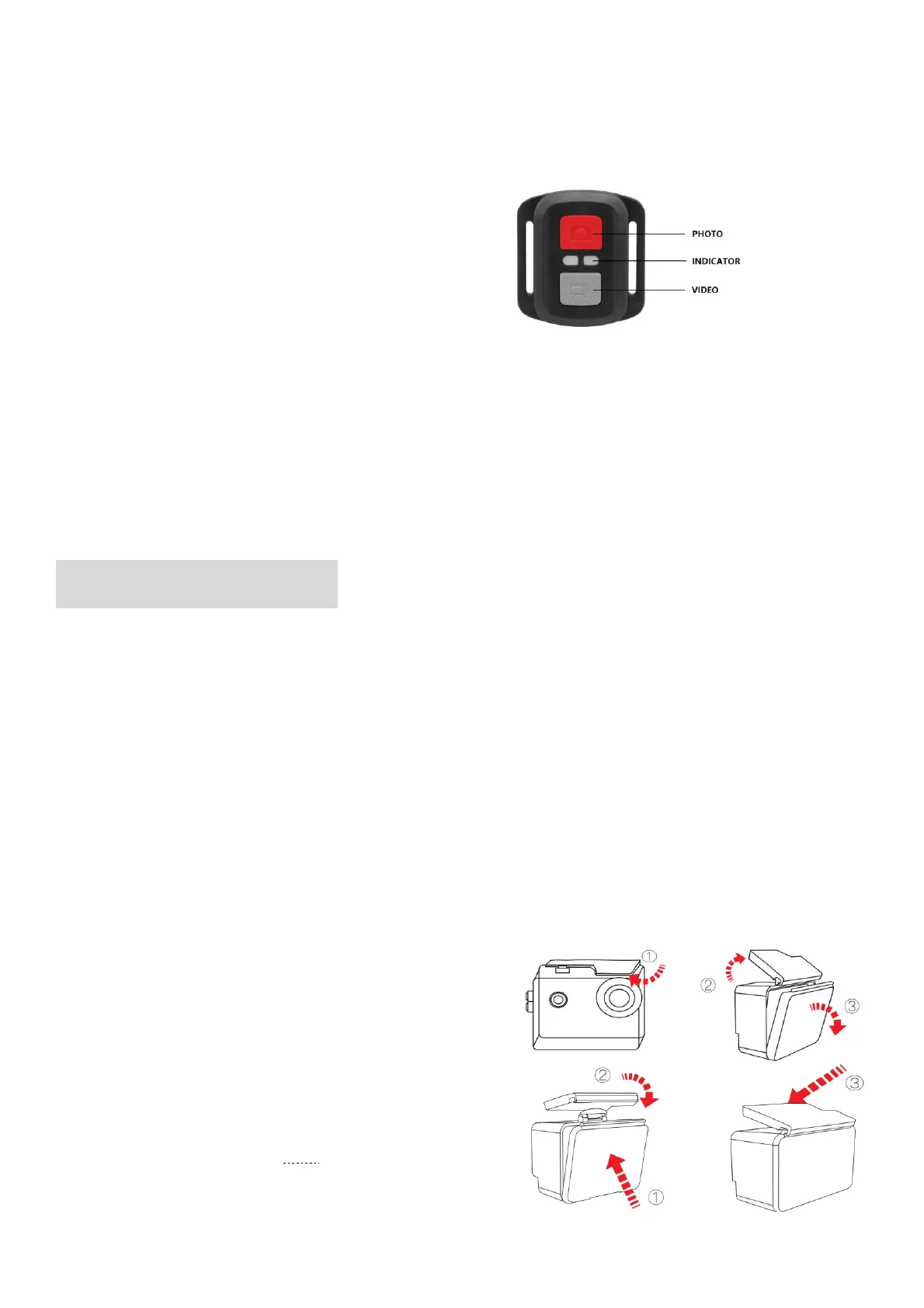
◼ Remote Range: 5M
Verify the camera is in Video/Photo preview mode first, if the camera is set in Playback or
Setting Menu, the camera can not receive the remote signal and can not be controlled by
the remote.
◼ VIDEO
To start recording:
Press the Grey Video Button.
To stop recording:
Press the Grey Video Button again.
◼ PHOTO
To take a photo:
Press the Red Photo Button. The camera will emit a camera shutter sound.
WATERPROOF CASE
Specially designed for diving, surfing, snorkeling and other water sports activities. The
waterproof case does not only offer greater waterproof protection to your camera, it also
offers extra protection against dust, scratches and shocks. Light and easy to carry,
excellent PMMA material endows it with high quality.With the use of the waterproof case,
you can record activities even 30M under water and it won't damage the shooting effect,
clear and vivid.Your movement and photographic effect won’t be affected by anti-surf
pressure. Convenient to link camera with other accessories mount through this waterproof
case.
◼ How to open the waterproof case:
1) Pick the black latch up on the top of the case.
2) Pull up the buckle of the case.
3) Open the back cover of the case.
◼ How to close the waterproof case:
1) Please close the back door of the case.
2) Pull down the latch and lock it to the back door.
3) Press down the buckle.



 To Next Page