
 Need help?
Do you have a question about the Online USV XANTO 1500 and is the answer not in the manual?
Verify the UPS system upon arrival and report any transit damage promptly.
Instructions for safely unpacking the UPS unit, noting its weight and avoiding condensation.
A checklist to verify all included accessories match the UPS model.
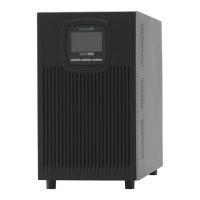
Steps for setting up the UPS in a vertical (tower) configuration and connecting the battery.
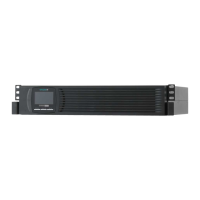
Guide for installing the UPS in a standard 19-inch rack and connecting the battery.
Final steps to prepare the UPS for operation after installation, including initial charging and power-on.
Explanation of the UPS system's control panel, buttons, and graphical display layout.
Details on symbols, their meanings, and the navigation through the UPS's menu system.
Guide to configuring various UPS parameters and options via the menu system.
Description of different operational modes and their corresponding display indicators on the UPS.
Information on connecting the UPS to a computer using RS-232 or USB ports.
Details on optional interface cards that can be installed in the UPS for expanded functionality.
Explanation of how to use the EPO function to remotely shut down the UPS and connected loads.
How to use surge protection for data and telephone lines connected to the UPS.
Overview of the DataWatch software for managing and monitoring the UPS system.
Guidelines for cleaning and maintaining the UPS system and its environment for longevity.
Instructions for storing the UPS system properly for extended periods.
Indicators and procedure for knowing when UPS batteries need replacement.
Step-by-step guide for replacing batteries in the tower configuration of the UPS.
Step-by-step guide for replacing batteries in the rack-mounted configuration of the UPS.
Procedure to test the newly installed batteries to ensure proper functionality.
Guidance on the proper and safe disposal of used batteries and the UPS unit.
A list of error codes displayed by the UPS and their corresponding events.
Explanation of warning messages, their symbols, codes, and associated alarms.
A guide matching operating statuses with possible causes and corrective measures.
Instructions on how to temporarily silence audible alarms on the UPS system.
Contact information and details for obtaining technical support and assistance.
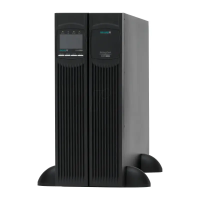
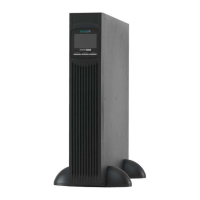
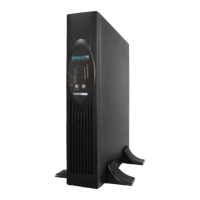
Overview of the different XANTO UPS models, their form factors, and item numbers.
Physical dimensions and weight specifications for tower and rack models.
Details on input and output electrical connection types and ratings for each UPS model.
Technical specifications including voltage, frequency, efficiency, and power ratings.
Information on battery types, configurations, and expected autonomy times for different models.
Diagrams illustrating the rear panel layout and connector locations on various UPS models.
Declaration of Conformity regarding CE marking and compliance with relevant directives.
 General
| Brand | Online USV |
|---|---|
| Model | XANTO 1500 |
| Category | UPS |
| Language | English |

 To Next Page
