5
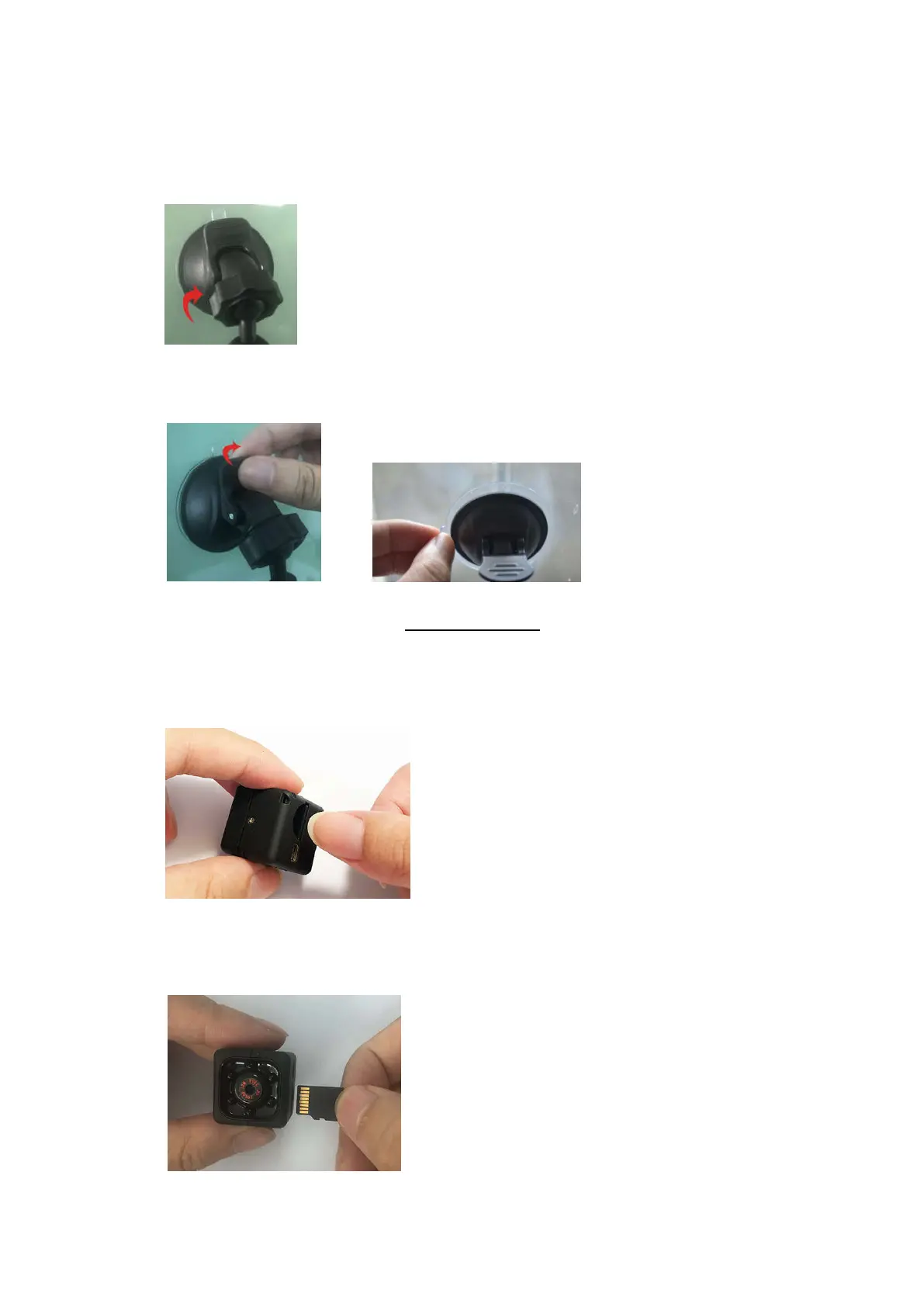
4. Loosen the Plastic Nut by turning it counterclockwise. Adjust the angle of the
unit as desired then tighten the Nut by turning it clockwise as illustrated below:
5.
Toremove the mount from the windshield, lift the Knob then pull Cup by the
tab on it as illustratedbelow:
MEMORY CARD
A 8 GB blank Micro SD Card is already installed into the Micro SD Card Slot. Totake out
the card or replace new card asbelow:
1.
Toremove the card, use your finger to take out the Micro SDCard as illustrated below:
2. To reinstall or replace the card. Insert the card (or any new Micro SD Card, upto
32 G, Class 6 or up) into the Micro SD Card Slot with the contacts facing to Lens
side as illustrated below:
December 31, 2019_V1



 To Next Page