1
Before you begin, check the following:
If you have a standalone answering machine, DISCONNECT it.
If any phone has an answering machine function built-in, DISABLE it now.
Unpack the ooma Hub™ device
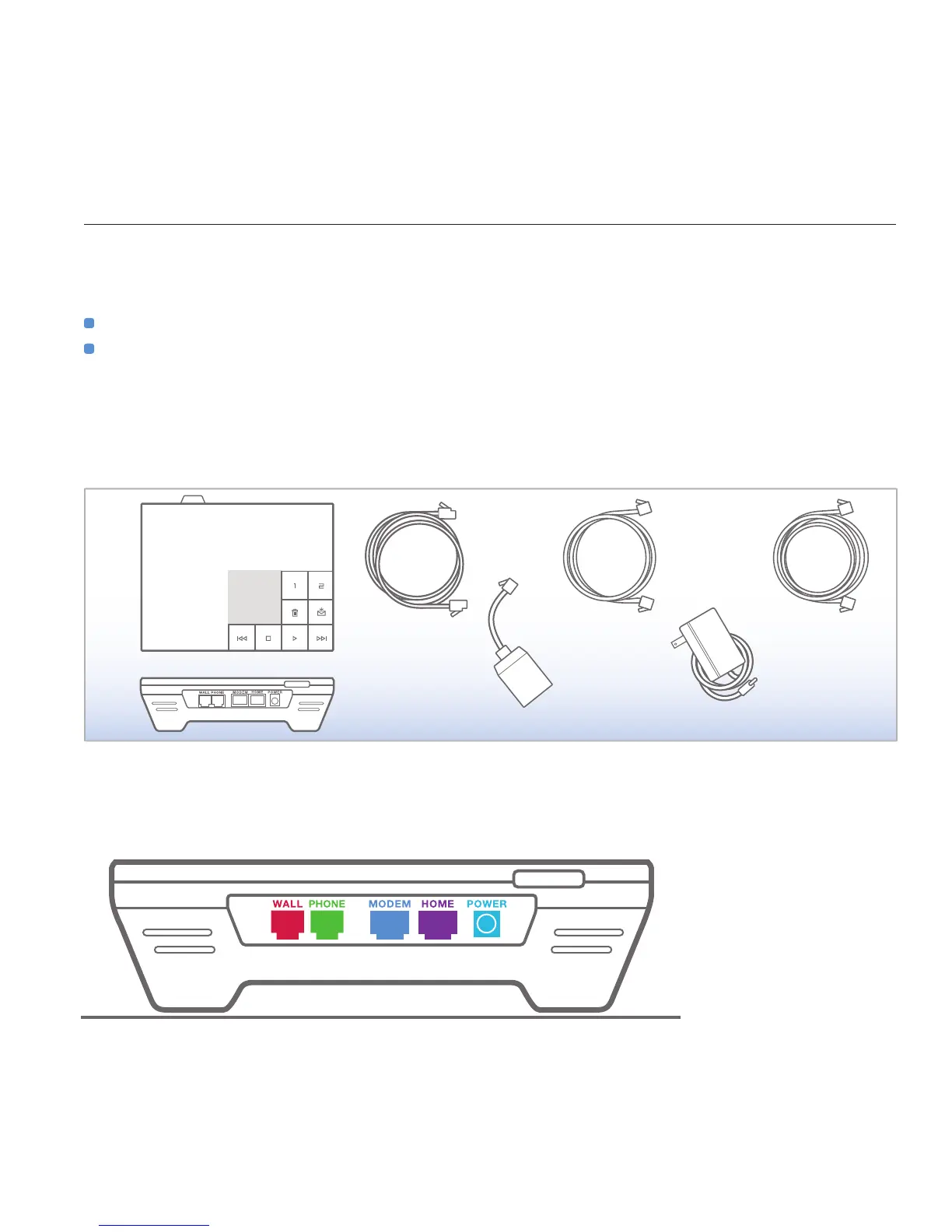
The ooma Hub box should contain the following items:
Port and Color Guide
Here is a closer look at the back of your ooma Hub device. Throughout the set up process, each port on the back of your ooma Hub will be
indicated with the following colors.
installing the ooma hub



 To Next Page