87
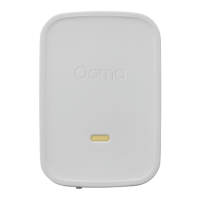
Find a power outlet and plug your Siren in.
In the mobile app, press the ADD SENSOR
button on the Dashboard. Select that you want
to pair a Siren. Follow the instructions on your
screen to pair your sensor and configure
your settings.
Alarm and Status Light Indicator Reference
What You Hear What You See What It Means What To Do
None Red flashes Pairing mode
Follow in-app
instructions
None
Two red flashes,
pause, repeating
continuously
Firmware update
Wait for update to
complete
Setup
Plug in your Siren
STEP 2
Pair your Siren
STEP 3


 To Next Page