EasyManua.ls Logo

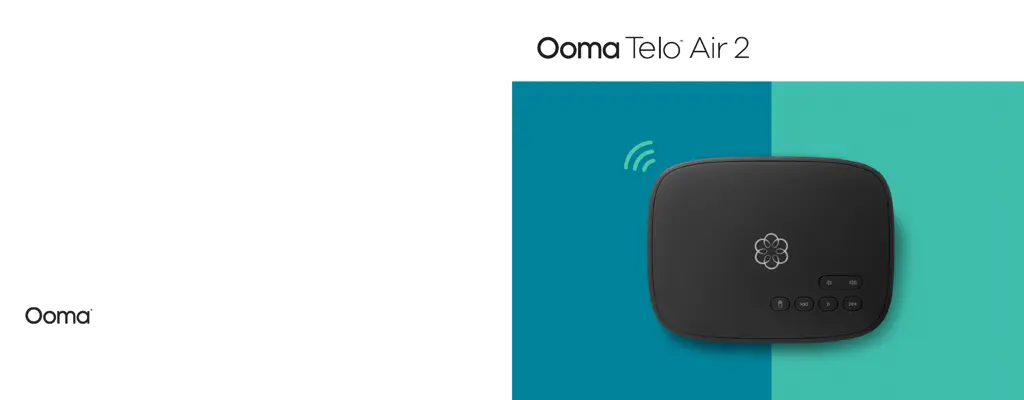
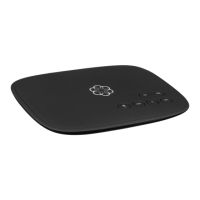
ooma Telo Air 2 - User Manual

ooma Telo Air 2
27 pages
Print Icon
To Next Page IconTo Next Page
Loading...
Quick Start Guide
For warranty, safety, and other legal information, visit ooma.com/legal
© 2019 Ooma, Inc. All rights reserved. Reproduction in whole or in part without written permission is prohibited. Ooma, the Ooma logo, Ooma Telo, Ooma HD3 Handset, Ooma
Premier and all other Ooma company, product and service names and slogans are trademarks of Ooma, Inc. All other product, service or brand names are the property of their
respective owners. Patent pending. P/N: 700-0192-200

Other manuals for ooma Telo Air 2

Questions and Answers

Summary

Getting Started

Get the Ooma Setup App

Guide on downloading and using the mobile app for the initial setup process.

Activate Your Account

Steps to activate your Ooma Telo Air service and set up your account details.

Connecting Your Ooma Telo

Connect to the Internet

Instructions for connecting the Ooma Telo Air to your home network via Wi-Fi or Ethernet.

Connect a Phone

How to connect an existing corded or cordless phone to the Ooma Telo.

Post-Setup and Usage

Ooma Usage Guide

Quick Reference

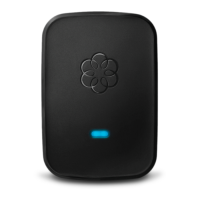
Status Lights Explained

Clarifies the meaning of different indicator lights on the Ooma Telo for operational status.

Troubleshooting

Common Issues and Solutions

Provides guidance for resolving common problems like blinking red lights, no dial tone, or voice quality issues.

Alternative Setup Options

Summary

Getting Started

Get the Ooma Setup App

Guide on downloading and using the mobile app for the initial setup process.

Activate Your Account

Steps to activate your Ooma Telo Air service and set up your account details.

Connecting Your Ooma Telo

Connect to the Internet

Instructions for connecting the Ooma Telo Air to your home network via Wi-Fi or Ethernet.

Connect a Phone

How to connect an existing corded or cordless phone to the Ooma Telo.

Post-Setup and Usage

Ooma Usage Guide

Quick Reference

Status Lights Explained

Clarifies the meaning of different indicator lights on the Ooma Telo for operational status.

Troubleshooting

Common Issues and Solutions

Provides guidance for resolving common problems like blinking red lights, no dial tone, or voice quality issues.

Alternative Setup Options

ooma Telo Air 2 Specifications

General IconGeneral
ConnectivityWi-Fi, Ethernet
Voice QualityHD Voice
Power SupplyAC adapter
Wi-FiYes
BluetoothNo
EthernetYes
TypeVoIP telephone adapter
CompatibilityOoma Smart Home Security sensors
PortsEthernet port, USB port, phone port
DECTYes
FeaturesCaller ID, voicemail, call blocking