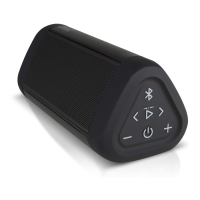
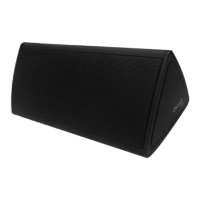
3. The Buttons and connector
(continued)
3. “VOL –” Button --Press to decrease the volume
4. “ON/OFF” Switch – Slide On to play; slide to off when done playing
5. “AUX IN” Jack – Used when listening to non-Bluetooth device by inserting in
the included 3.5mm audio cable
6. Micro “USB” Charging Port – This port is for charging the OontZ Angle battery
only. You can use the included Micro USB cable connected to a PC or laptop; or
you can use an iPhone/Smartphone USB wall Power Adapter 5V
7. Charging Indicator Light – When the OontZ Angle is charging, the light will be
solid blue; when fully charged the light will be solid red
8. Microphone icon – This is the microphone for the hands free speaker phone
9. Pairing Indicator light – When the OontZ Angle is powered on the light will be
blue; when the OontZ Angle is in pairing mode the light will be blue with flashing
red; when paired the light will be solid blue


 To Next Page