EasyManua.ls Logo

Oontz XL - User Manual

Oontz XL
20 pages
Print Icon
To Next Page IconTo Next Page
Loading...
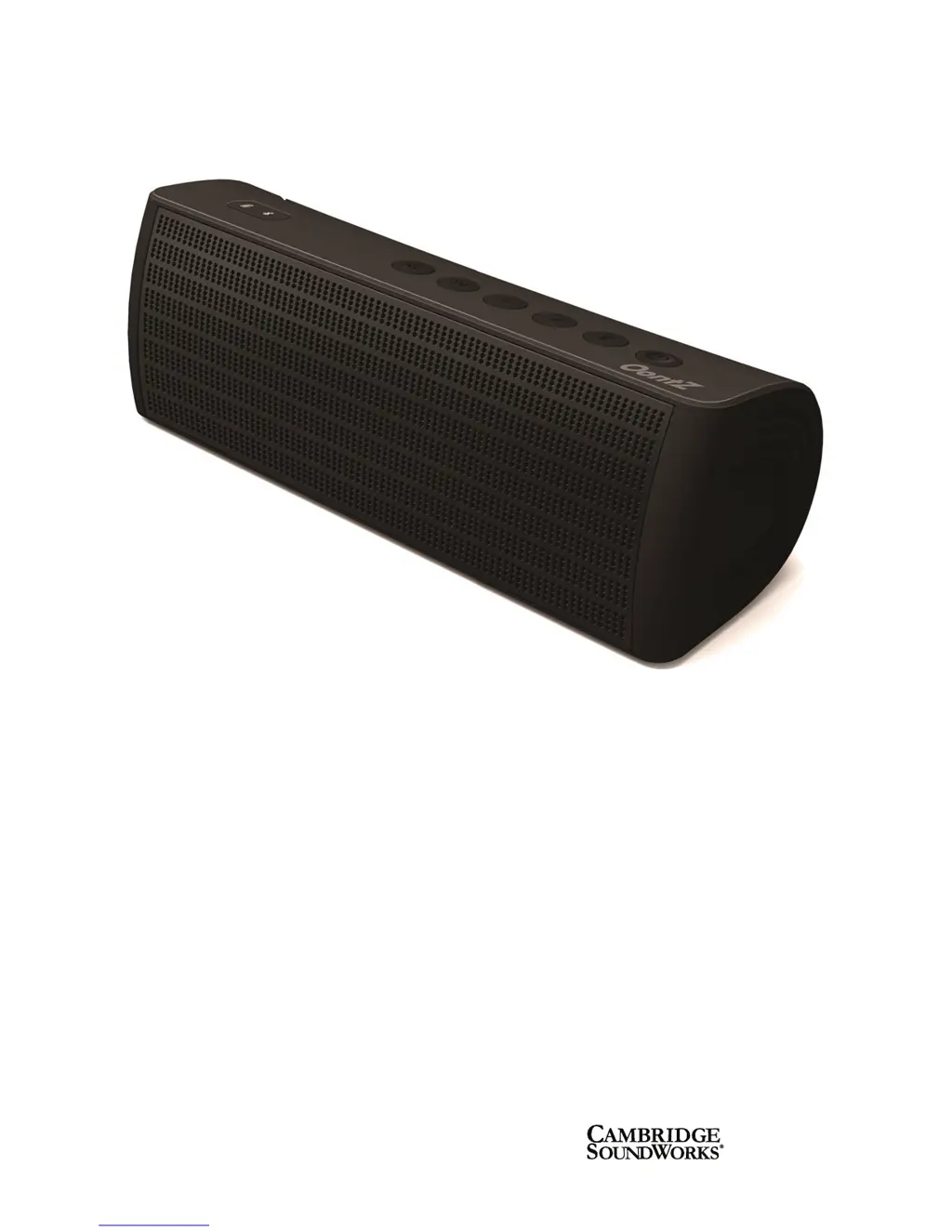
The OontZ XL Guide
The Powerful Portable Wireless
Bluetooth Speaker
TheOontZ.com
Visit our Website:
• To contact our OontZ Support Team
• To view the whole family of OontZ Speakers
• For getting started guides for different types of laptops
© copyright SoundWorks Inc.

Questions and Answers

  • G
    gailevansAug 1, 2025
    Why I am unable to connect my device to OontZ Speakers XL via Bluetooth?
    • R
      Ronald CharlesAug 1, 2025
      If you are unable to make a Bluetooth connection with your OontZ Speakers XL, ensure that your device is within 30 feet of the speaker. Also, make sure the OontZ XL is not paired with any other device. To end any other Bluetooth connection, press and hold the Bluetooth button.
  • C
    Christina LutzAug 8, 2025
    What to do if my OontZ Speakers XL has no sound?
    • J
      Jeffrey McintyreAug 8, 2025
      If your OontZ Speakers XL has no sound, first, verify that your Bluetooth device supports A2DP. Then, increase the volume by pressing the Vol+ button. Also, check that a Bluetooth connection is established between your device and the OontZ XL, and ensure that the sound on your device is not paused or muted. Finally, try un-muting the OontZ XL by pressing the Power button.
  • F
    Frederick JordanAug 16, 2025
    How to fix Oontz XL Speakers when it has no power?
    • J
      Jordan MartinezAug 16, 2025
      If your OontZ Speakers has no power, first, press the Power button to turn on the speaker. If it still doesn't turn on, ensure the speaker has sufficient charge by plugging the power adapter into a wall socket and then into the OontZ XL. Note that if the battery is fully drained, it may need to charge for a few moments before it powers on.
  • M
    Michelle AdamsAug 23, 2025
    What to do if I cannot answer calls on Oontz XL Speakers?
    • P
      Pamela LoweryAug 23, 2025
      If you cannot answer calls using your OontZ Speakers XL, first check whether your mobile phone supports Bluetooth Hands-Free Profile (HFP). Also, verify that a Bluetooth wireless connection is set up between your device and the OontZ XL. Depending on your phone type, ensure phone audio is enabled in your phone’s Bluetooth settings.

Summary

Overview

Bluetooth Device Support

Details Bluetooth profiles supported by the OontZ XL speaker for optimal connectivity.

In the Box

The Buttons and Connectors

Multi-Function Power Button

Explains the operation of the multi-function power button for ON/OFF and Mute functions.

Charging the Battery

Turning the OontZ XL ON;OFF

Provides instructions on how to turn the OontZ XL speaker on and off.

Pairing and Connecting to Your Bluetooth Device

Pairing and Connecting to Your Bluetooth Laptop

Wireless Hands-Free Personal Speakerphone

Connecting to Non-Bluetooth Devices

USB Charging Connector

Troubleshooting

Safety and Precautions

FCC Warning

Details compliance with FCC rules regarding radio frequency energy and interference.

Safety

Covers crucial safety warnings regarding battery handling and product disposal.

Oontz XL Specifications

General IconGeneral
BrandCambridge Soundworks
ModelOontZ Angle 3XL
Speaker TypePortable Bluetooth Speaker
Bluetooth RangeUp to 100 feet
Weight26 ounces
Input3.5mm AUX input

Related product manuals