28
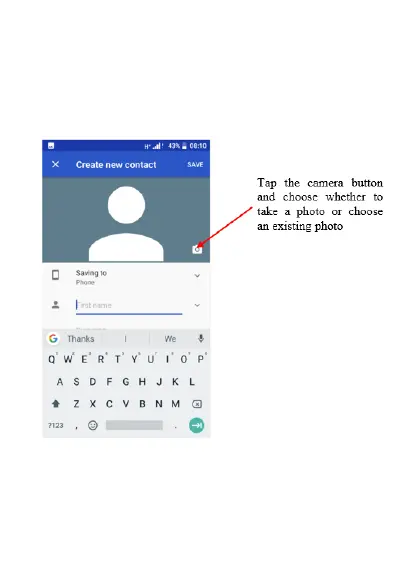
5. If you wish you can also take a photo or
choose a photo to save to this contact, so
when they call or you are searching for
contacts this photo will appear. Click the
camera icon on the top and choose to take a
photo or choose an existing photo















 To Next Page