17
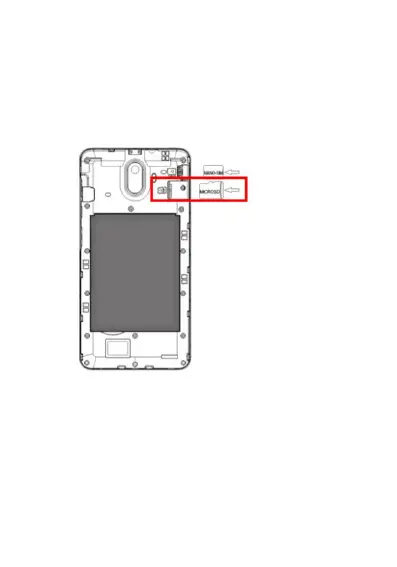
1. If you wish to use an optional Micro SD Card for
extra memory (up to a maximum of 32GB),
insert it into the Micro SD card slot located in
the top right-hand corner (below the SIM card
slot). Insert slowly and carefully until it does not
go in any further.
Installing the Battery
1. Insert the lithium battery provided, ensure you
insert with the gold plates facing towards the
gold pins on your phone. Slide in then press
down.















 To Next Page