15
Quick Setup Guide
Installing the SIM Card
This phone requires a Nano size SIM card, it is the
smallest of the 3 SIM card sizes available. If you don’t
have a nano size SIM card contact your SIM card
provider, they will be able to supply one for you.
1. Make sure your device is turned off.
Firmly hold the device with both hands with the
front screen facing down.
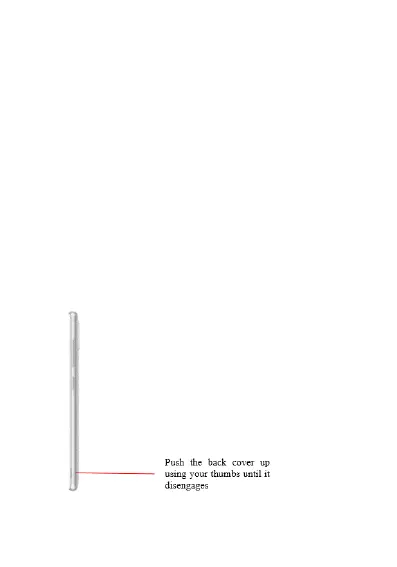
Push the back cover up using you thumbs until it
disengages from the device and then slide up
your thumb to remove.















 To Next Page