64
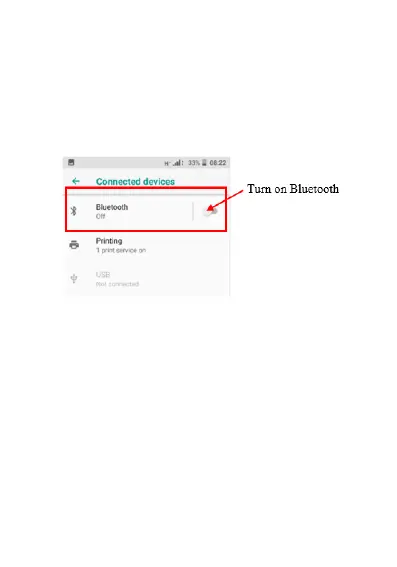
Connected devices
Within this menu you can view and access any devices
that are connected via Bluetooth.
To turn Bluetooth on; click on Bluetooth
Click on Pair new device if you haven’t connected
to this device before. It will then search for
available Bluetooth devices. Ensure your
Bluetooth device that you’re trying to connect to is
turned on















 To Next Page