32
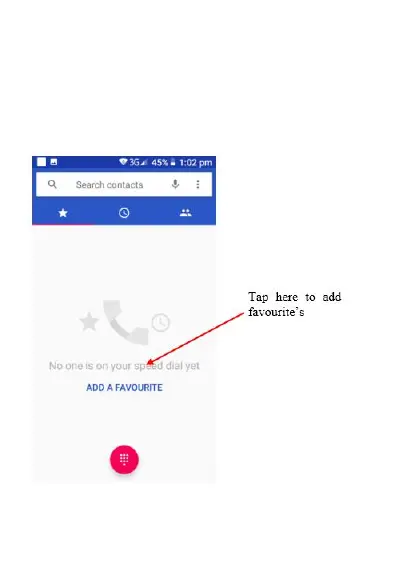
3. To add a favourite contact simply click add a
favourite and select which contact you wish
to add as a favourite. Once you have setup
favourites you can call and message these
contacts from this menu simply by clicking on
that contact and selecting the call button or
message button















 To Next Page