37
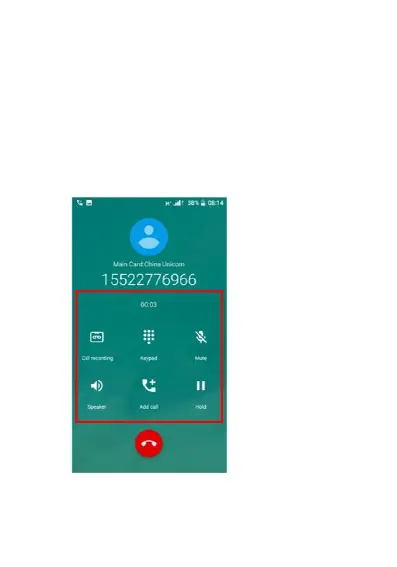
2. Once you have answered a call you have
options to mute the call, put it on loudspeaker,
add another caller, put the caller on hold or
record the call. Simply click any of these
buttons to activate this feature. You can also
bring up the keypad if you require to enter keys
and numbers while on a call.
To end the call simply click the red hang up
button.















 To Next Page