116 Instruments and controls
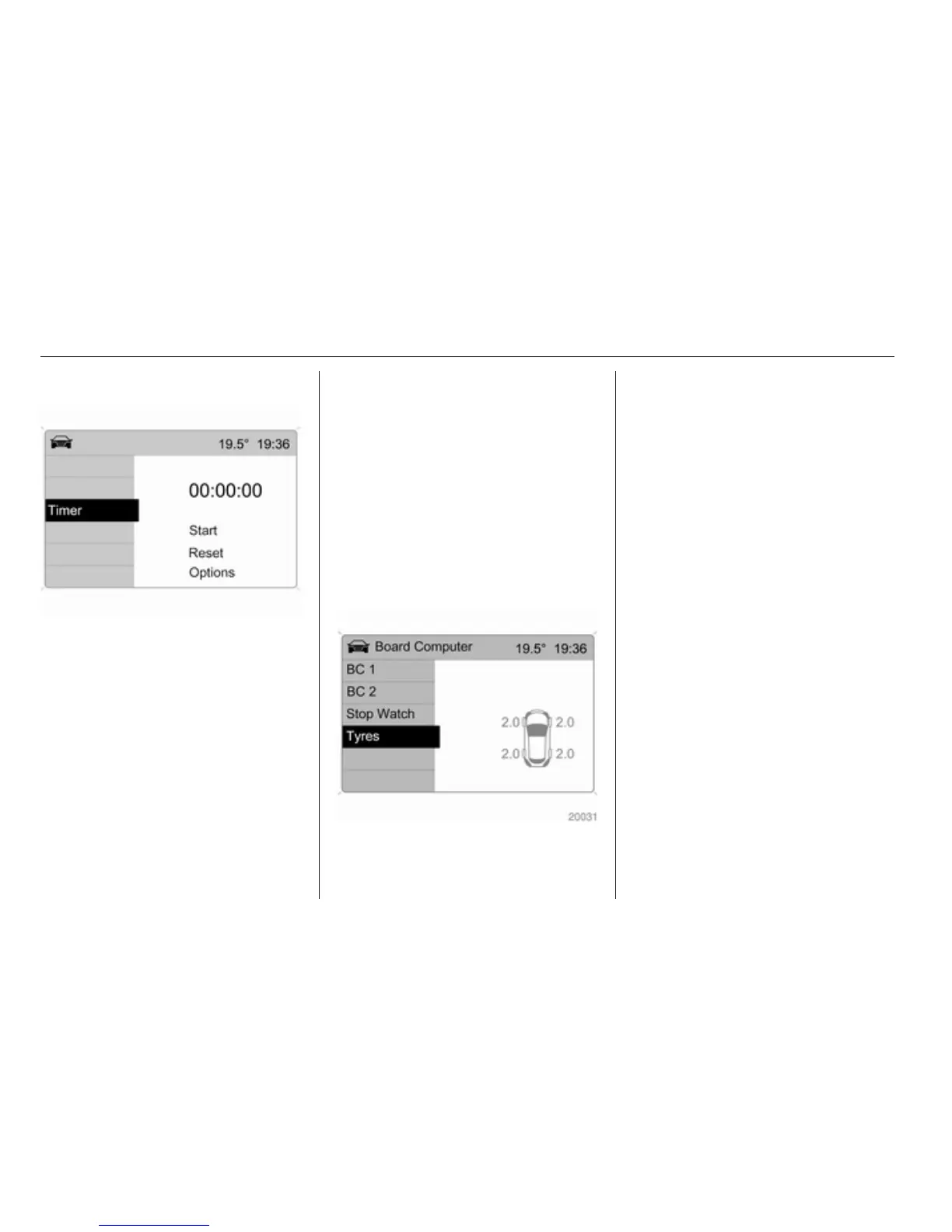
Stop watch
Select menu item Timer from the
Board Computer menu.
To start, select menu item Start. To
stop, select menu item Stop.
To reset, select menu item Reset.
The relevant stop watch display can
be selected in the Options menu:
Driving Time excl. Stops
The time the vehicle is in motion is
recorded. Stationary time is not
included.
Driving Time incl. Stops
The time the vehicle is in motion is
recorded. The time the vehicle is
stationary with the ignition switched
on is included.
Travel Time
Measurement of the time from
manual activation via Start to manual
deactivation via Reset.
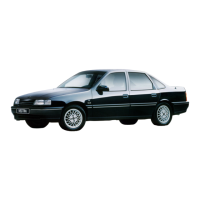
Tyre pressures
Select menu Tyres from the Board
Computer menu.
The current pressure of each tyre is
displayed.
Further information 3 193.



 To Next Page