90 Instruments and controls
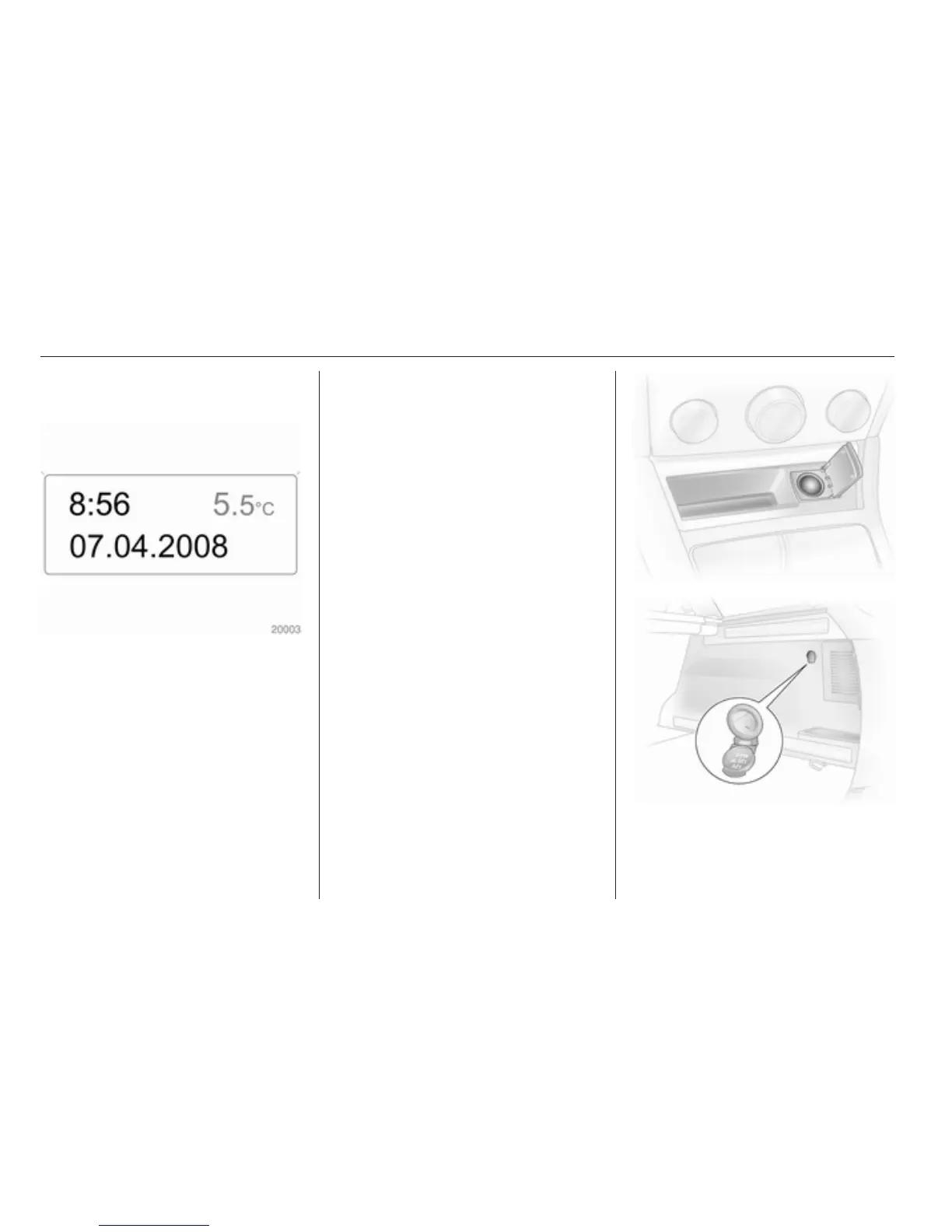
Set date and time in
Triple-Info-Display
To set time, hold the setting button in
the instrument panel depressed for
approx. 2 seconds. A brief press will
set the flashing value. Hold the button
depressed for 2 seconds again to
switch to the next unit and to exit
setting mode.
Automatic time synchronisation
The RDS signal of most VHF
transmitters automatically sets the
time, identified by } in the display.
Some transmitters do not send
a correct time signal. In such cases,
we recommend to switch off
automatic time synchronisation.
Activate setting mode and set it to
year setting. Hold the Ö button
depressed about 3 seconds until }
flashes in the display and “RDS
TIME" appears. The function is
activated (RDS TIME 1) or
deactivated (RDS TIME 0) with
the ; button. Exit setting mode using
the Ö button.
Power outlets
Some vehicles have a power outlet
for the connection of electrical
accessories instead of a cigarette
lighter.
Station wagons have an additional
accessory socket in the load
compartment.



 To Next Page