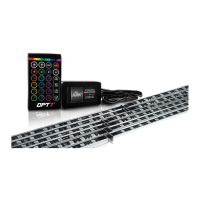
OPT7AuraLED™WheelWellLightingKit
Visitwww.OPT‐7.comforadditionalproducts&support
Forquestionsyoumayhave,pleasecontactSupport@OPT‐7.com.Wenormallyrespondwithin24hours.(Monday‐Friday)
Step4:PoweringtheKit
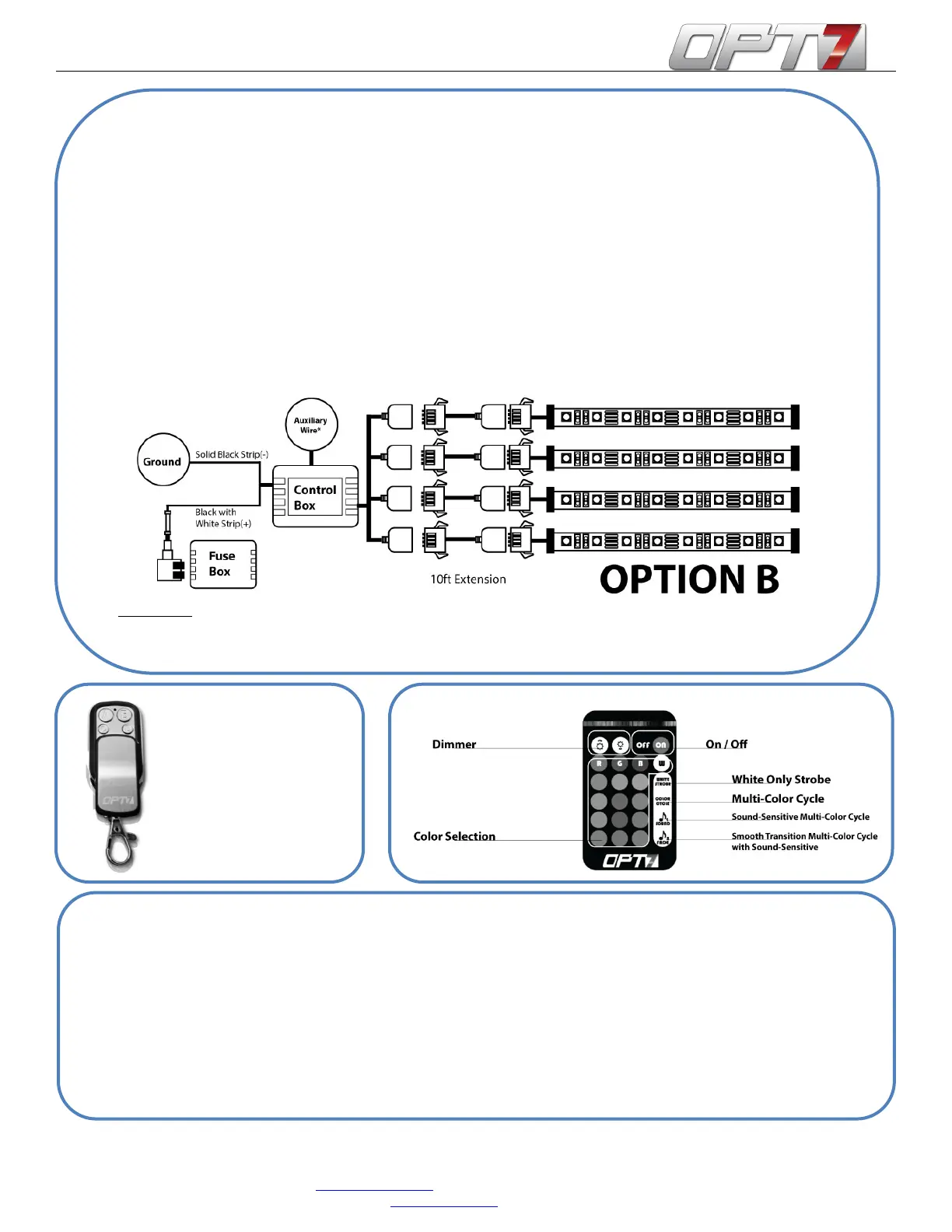
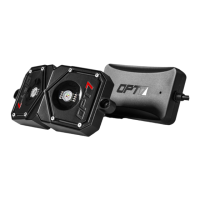
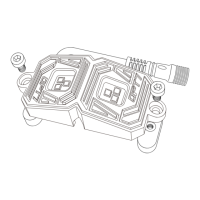
1. Placethecontrolboxinthedriver’sfootwellnearthefusebox.
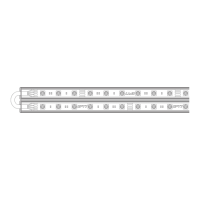
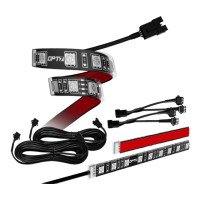
2. ConnectallfourextensioncordsfromtheLEDstripstothecontrolbox.
3. CHOICE:Connectthecontrolboxtoavehiclepowersourceusingoneoftwoways.
a. Usingthe12Caradapter:SeeOptionA(above)
b. UsingtheDirectFuseAdapter:SeeOptionB(below)
i. Findafusethematchesthesamesizeasanyoftheprovidedfusetaps
ii.Removethefuseandinsertontooneoftheprovidedfusetaps.
iii. Crimptheopenpositivewirewiththefusetap(positivewirehasawhitestripe)
iv. Connectthenegativewirewithanygroundsource(anymetalconnectedtothecar)
v.Plugthefusetapintotheoriginalfuseslot.
*AuxiliaryWire:CanbeconnectedtoanotherpowersourcesuchasadomeordoorlighttoactiveDoorAssistSync.
Whenactivated,theLEDstripswilllightupwhite.Ifwireisnotinuse,pleasetapeoverendswithelectricaltape.
ActivateandenjoyyournewLEDinteriorlighting!
Step5:FinishingtheMount
1. PlacetheprovidedU‐Clampsaroundeachendofthestrips.
2. InsertoneoftheprovidedscrewsintotheeyeletoftheU‐clamp.
3. Takeascrewdriverorapowerdrill,andscrewthestripintoplaceinyourvehiclewheelwell.
4. Repeatthisprocesswithuntilallthestripsarefirmlyaffixed
ButtonA:Off
ButtonB:On
ButtonC:SoundActivated
ColorCycle
ButtonD:ColorSelect


 To Next Page