3
INSTALLATION STEPS
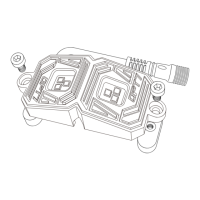
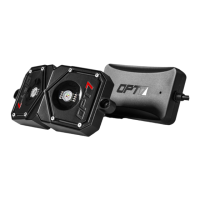
Designate your mounting locations for each Rock Light Pod and the
control box. (Refer to page 4 for recommended mounting locations)
Avoid hot surfaces and/or moving parts.
Use a pen to mark the holes where you want to mount the Rock Light
Pods. Then, drill a 5/32” hole(s) for the wire connector to pass
through.
Drill a 7/64” hole for each marked hole.
Secure the Rock Light Pods using the included screws. (If mounting on
a rounded or uneven surface, utilize the optional rubber mounting
pads.)
Caution: Rock Light Pods become extremely hot during use - keep
away from any vehicle parts that may be damaged by exposure to
high temperatures.
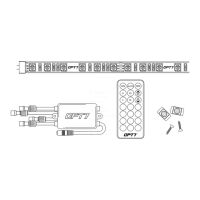
Connect all Rock Light Pod wires to the control box connectors.
Secure by twisting.
Connect the red positive line from the control box either directly to
the vehicle battery or by using an open fuse tap.
Ground the negative wire from the control box by connecting it to an
unpainted area on your vehicle's frame.
Optional: If you would like for the door assist function to be used, it is recom-
mended to connect the door assist wire from the control box to a positive (+) light
source that is turned on when the door is open or to the dome light. This will
activate the Rock Lights to be ON when the door is turned on.
Open the OPT7 AURA App, pair your smart device to the control box,
and pick your desired color!
1.
2.
3.
4.
5.
6.
7.
8.
TOOLS REQUIRED
5/32-inch Drill Bit
7/64-inch Drill Bit
Phillips Head Screwdriver
•
•
•


 To Next Page