21
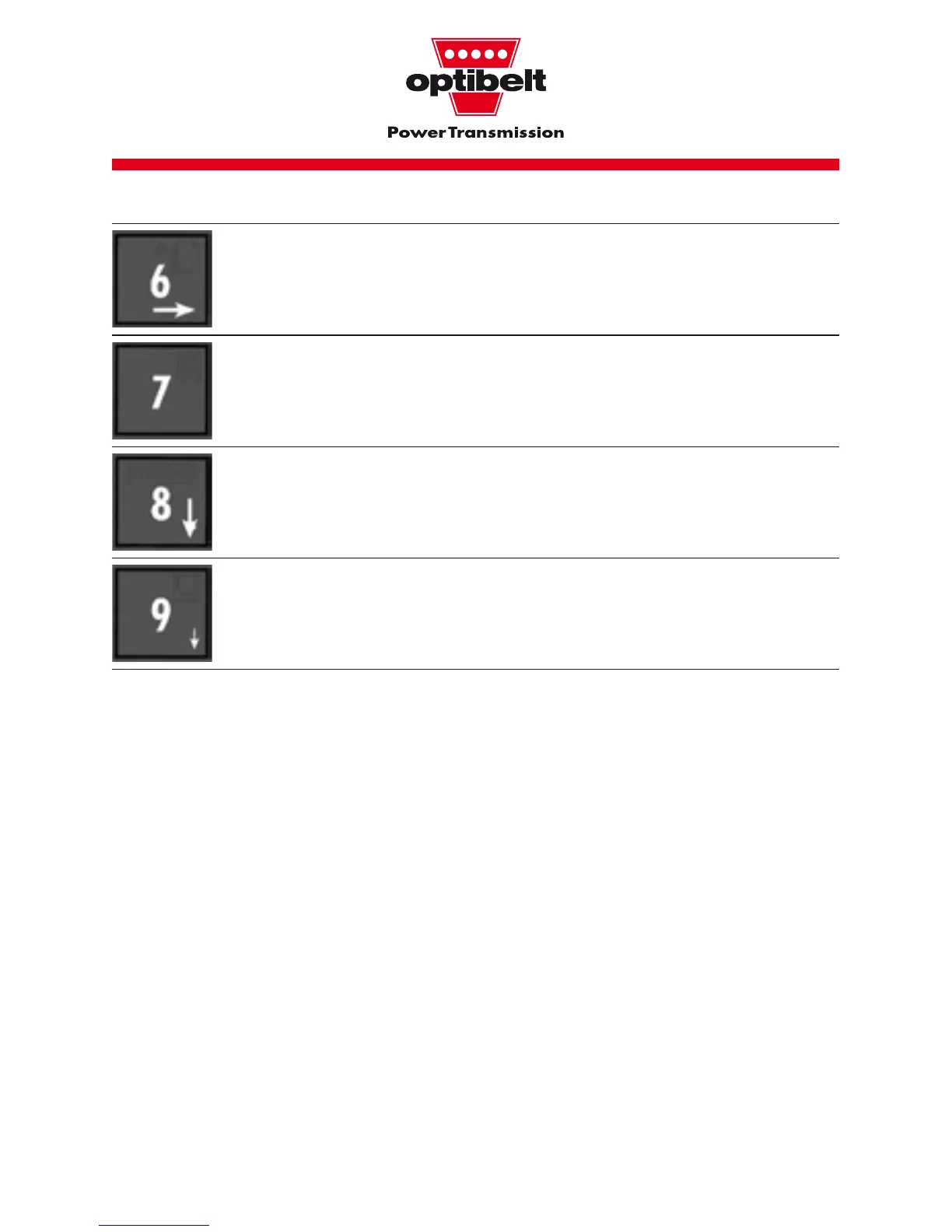
This calls up the user-dened “own data bank”.
Key 7 is used to calculate span length L.
This entry can also be performed within the individual menu points.
Key 8 (“free entry”) enables the belt parameters to be set by the
user himself.
The current belt parameters can be stored in the “own data bank”
by pressing key 9.
2.2 Entering
numerical values
Numerical values can be entered
directly using keys 0-9. The last
number in each case can be deleted
using the C key. If there is no entry,
“—“ is displayed. There are maximum
values for all numerical values (see
ch. 6).
2.3 Entering alpha-numer-
ical values
A different system is used for entering
alpha-numerical values. With the keys
8
(↓)
and 2
(↑)
the sign is chosen.
The letters A-Z, 0-9 as well as the
blank space are available. The whole
list of signs is deleted by pressing the
C key.
2.4 ”On/off” and
”Yes/no” entries
Parameters which can accept only
“on/off” and “yes/no” are another
possibility of entering data in TT 3.
These parameters can be chosen
using keys 6 (
→
) and 4 (
←
).


 To Next Page