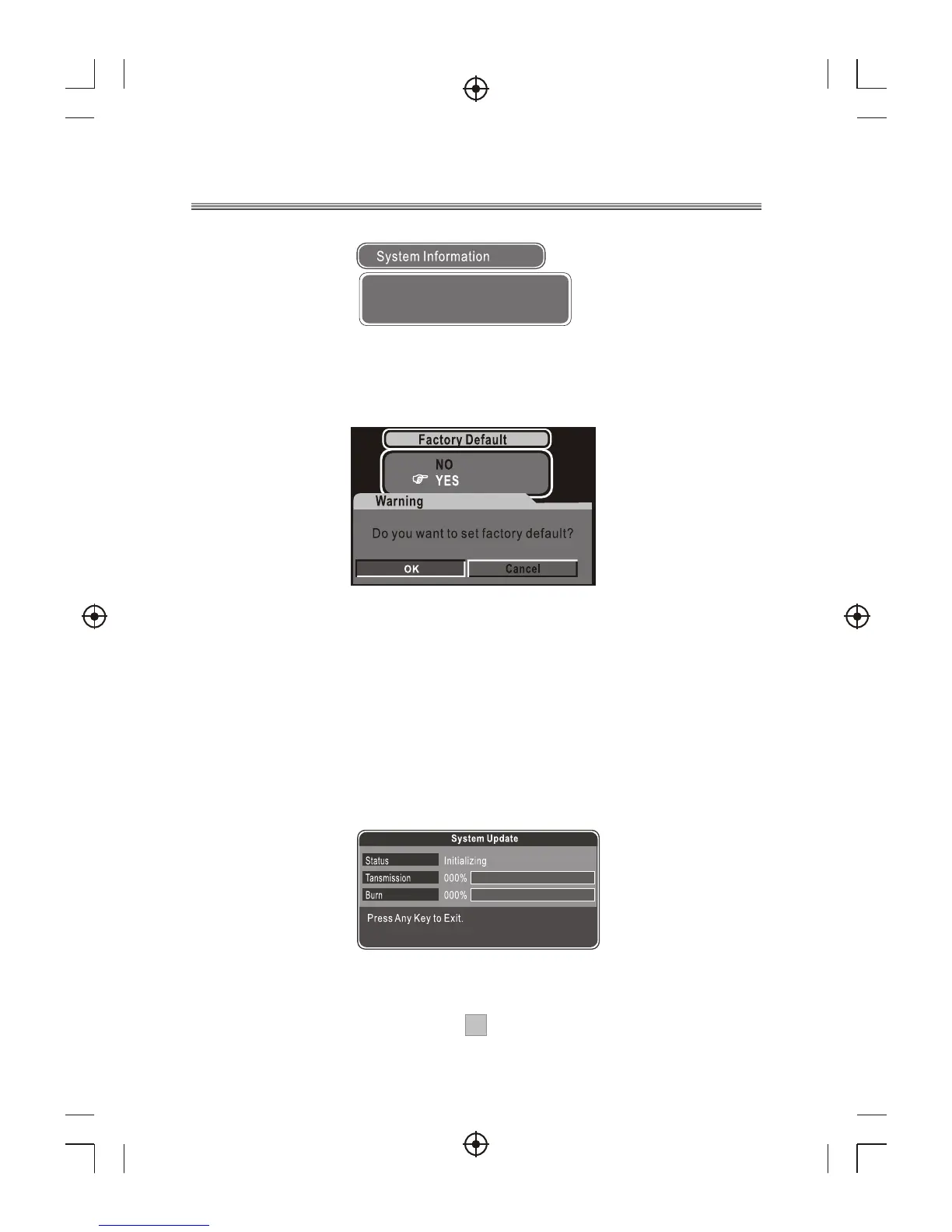
Factory Default
This option allows you to resume factory defaults.
1. To reset defaults, select OK.
2. All programs you have searched will be erased and all
parameters, e.g., the regional settings, languages and favorite
lists, will return to the factory default.
3. After restoring defaults, a First Time Installation screen
appears asking if you would like to conduct an automatic scan
search.
System Update
Whenever a software update is available, the receiver can be
upgraded for new features.
2323
SW: v1.08
HW: 212U.IO.LG352(N).9013
Date: DD/MM/YY



 To Next Page