EasyManua.ls Logo

Opticum Odin - User Manual

Opticum Odin
20 pages
Print Icon
To Next Page IconTo Next Page
Loading...
Read this manual before installation and use.
EN
User's manual
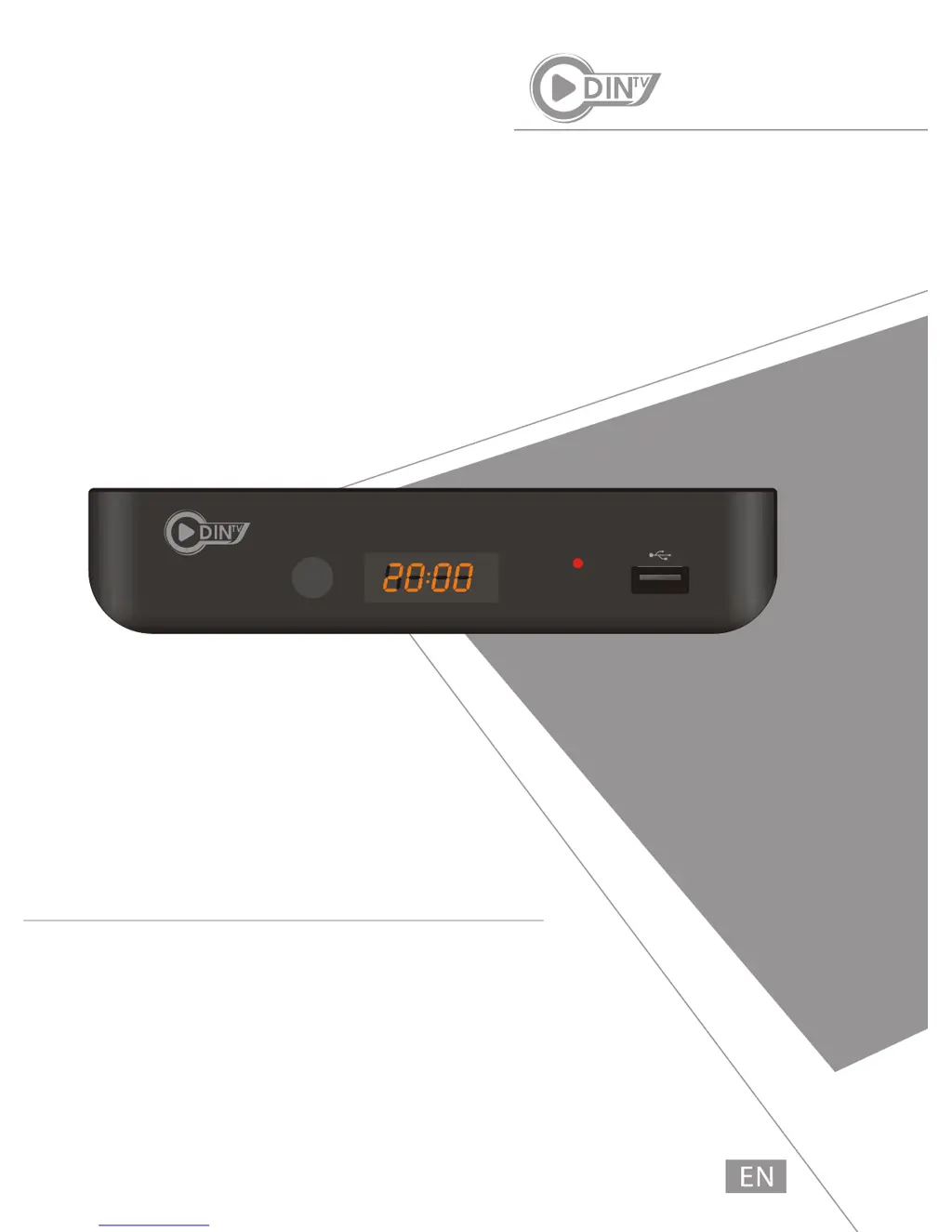
Odin TV BOX
DVB-T2+OTT
H.265 HD Receive
Odin TV BOX

Questions and Answers

  • J
    Joseph GuzmanJul 27, 2025
    Why is my Opticum Set-top box not responding to the remote control?
    • P
      perezamandaJul 28, 2025
      If your Opticum Set-top box isn't responding to the remote, there might be a few reasons. First, ensure the receiver is plugged in and turned on. Then, make sure you're aiming the remote directly at the front panel of the box and that nothing is blocking the signal. Finally, try replacing the batteries in the remote.
  • T
    tommy47Aug 3, 2025
    What to do if my Opticum Set-top box says 'No signal found'?
    • K
      Kevin HayesAug 3, 2025
      If your Opticum Set-top box displays 'No signal found', the issue might be with your aerial connection. Check the aerial lead to ensure it's properly connected. Also, inspect the aerial itself for any damage or misalignment. If everything seems fine, check with your dealer to verify you are in a digital signal area.
  • N
    Nicholas FarmerAug 8, 2025
    How to fix the remote control if it will not operate my Opticum STB?
    • E
      Evan JohnsAug 8, 2025
      If the remote control isn't operating your Opticum STB, start by replacing the batteries. Also, check for any obstructions blocking the signal path between the remote and the box.
  • F
    Francisco GreenAug 14, 2025
    Why standby light not lit on my Opticum Set-top box?
    • C
      Christopher NobleAug 14, 2025
      If the standby light isn't lit on your Opticum Set-top box, check that the mains lead is properly plugged in. Also, check the adapter to be sure it has power output.
  • D
    Desiree ShawAug 21, 2025
    What to do after moving the Opticum STB to another room and I am no longer able to receive digital reception?
    • G
      Gary WrightAug 21, 2025
      If you can no longer receive digital reception after moving your Opticum STB, the aerial feed at the new point may be coming through a distribution system that reduces the digital signal. Try a direct feed from the antenna.

Summary

SAFETY INFORMATION

IMPORTANT SAFEGUARDS

Lists important safety information for product use and accessories.

SYSTEM CONNECTION

GETTING STARTED

Getting Started

Guides through initial setup steps like language and country selection.

Set up the Language

Instructions for selecting the system language.

Select the Country

Instructions for choosing the user's country.

Set up the Network

Steps to configure wired or wireless network connections.

SET TOP BOX

Channel Search

Instructions for searching for TV and radio channels.

Channel Edit

Instructions for editing the channel list (lock, skip, move).

System Setting

Options for configuring system-wide preferences.

System Setting (Continued)

Detailed settings for language, TV system, and time.

Parental Lock

Setting up locks for menus and channels and managing passwords.

Factory Setting

Restores the device to its original factory default settings.

Software Upgrade

Instructions for upgrading the device's software via USB.

PVR Setting

Configuring settings for Personal Video Recorder functions.

SETTING

Network Setting

Configuring LAN or WLAN connections and checking network status.

System Setting

Setting system language and country.

Factory Reset

Resetting the device to factory defaults, erasing all data.

TROUBLESHOOTING

Opticum Odin Specifications

General IconGeneral
Operating SystemLinux
HDTV CompatibleYes
RAM256 MB
TypeSet-top box
Video ResolutionFull HD (1080p)
Tuner TypeDVB-S2
ConnectivityEthernet
Video DecodingH.264/MPEG-4
Audio DecodingMPEG-1 Layer I/II
Video OutputHDMI, SCART
Audio OutputHDMI, RCA
Ethernet10/100 Mbps
USB2.0
Card ReaderYes
Supported Conditional AccessConax

Related product manuals