Tools (Continued)
11
PVR Setting
This menu allows you to set the Timeshift Setting and
Disk Setting.
PVR Setting
Timeshift Setting
Disk Setting
In the "Tools" menu, highlight "PVR Setting ", press "OK" button,
PVR Setting menu appears.
Press "UP" or "DOWN" button to highlight the desired item
and press "OK" button to enter the sub-menu .
Press "EXIT" button to exit.
1
2
3
Timeshift Setting:
This menu can display some parameters of the external USB
device, set up the allocate type of the storage and format the
disk.
Allocate Type:
Disk Erasing:
In the "PVR Setting" menu, select "Timeshift Setting ", press "OK"
button, to enter Timeshift Setting sub-menu.
Press "UP" or "DOWN" button to highlight the desired item,
press "LEFT" or "RIGHT" button to change the setting.
Press "EXIT" button to exit.
1
2
3
Timeshift(TMS):
Record with TMS:
On/Off
On/Off
PVR Setting
Timeshift(TMS)
Record with TMS
On
Off
>
>
>
>
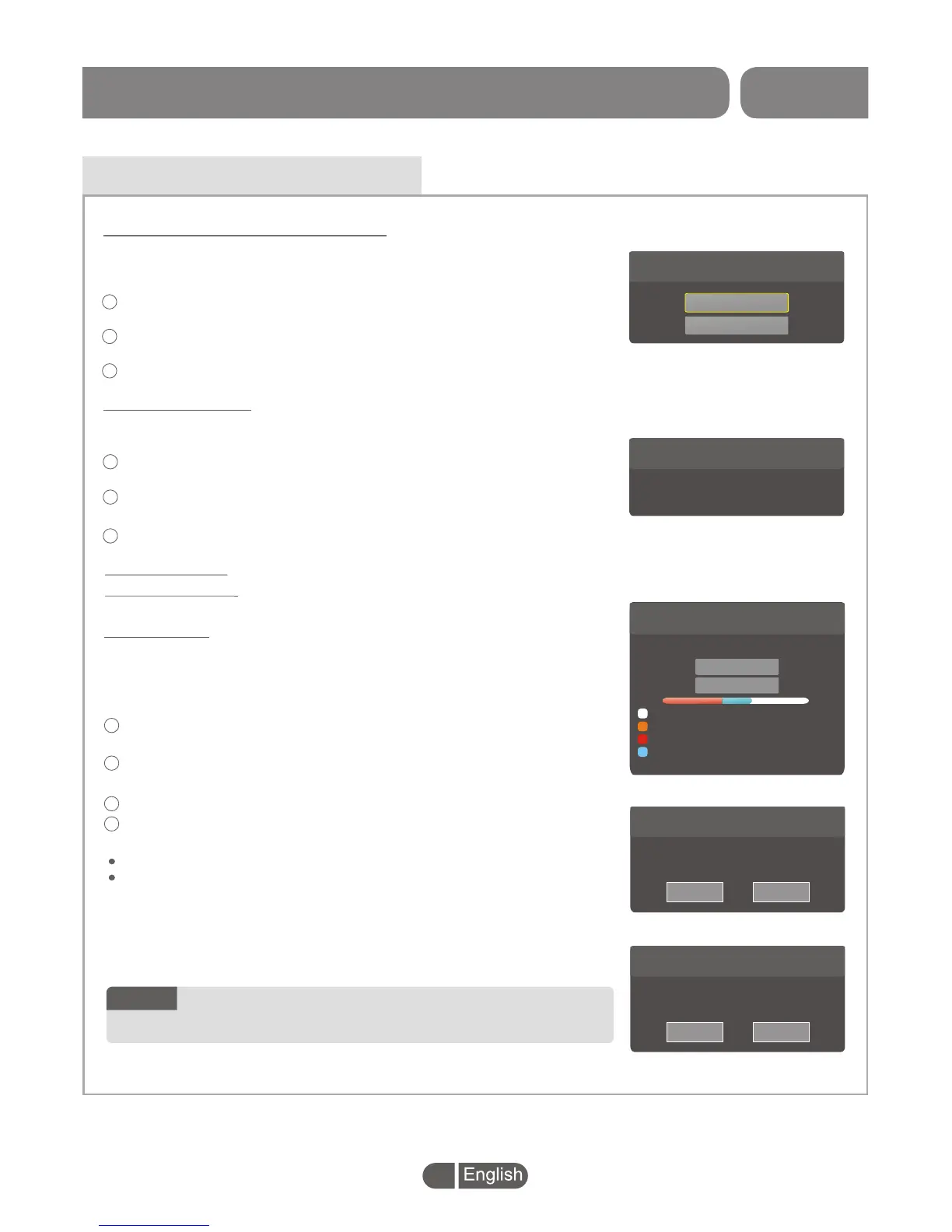
Disk Setting:
In the "PVR Setting" menu, highlight "Disk Setting ", press "OK"
button, to enter Disk Setting menu.
Press "UP" or "DOWN" button to highlight the desired item, press
"OK" button to enter sub-menu.
Press "LEFT" or "RIGHT" button to set up.
Press "EXIT" button to exit.
1
2
3
PVR Setting
Select Disk
DISK_a
>
>
Disk Allocation
Disk Erasing
Total Size
Free Size
REC Size
TMS Size
File System
7.5Gbytes
3.4Gbytes
2.3Gbytes
1.1Gbytes
FAT
PVR Setting
Disk Name
Allocate Type
DISK_a
REC+TMS
>
>
CancelOK
PVR Setting
Disk Name
File System
DISK_a
FAT
>
>
CancelOK
This menu allows you to open/close Timeshift funtion.
4
Record(REC)/Timeshift(TMS)/REC+TMS
FAT/NTFS
You need to select the partition for Hard disk to set up
the allocate type or format the disk.
NOTE:
SET TOP BOX



 To Next Page