SETTING
Setting Main Menu
12
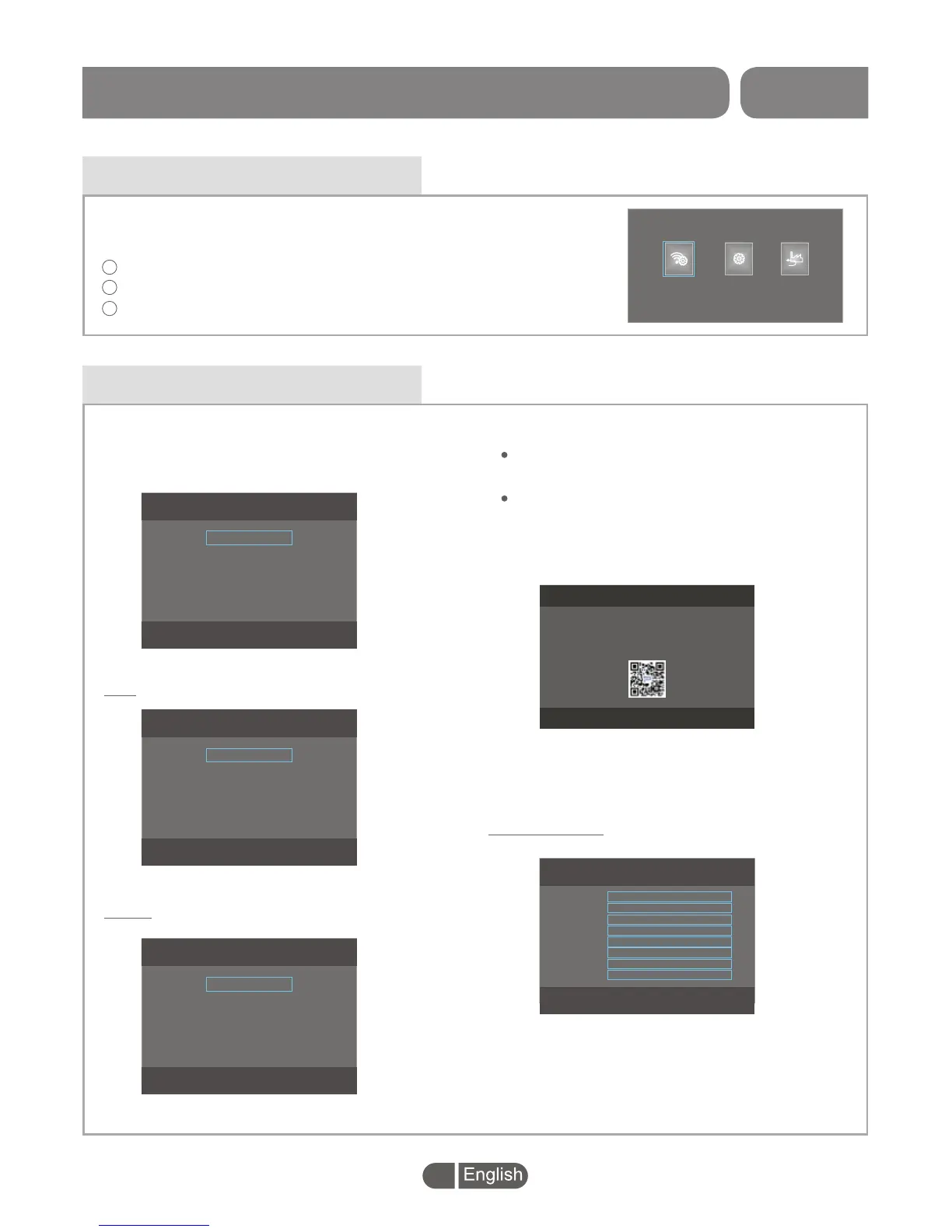
This menu allows you to set up "Network Setting", "System Setting"
and "Factory Reset".
Press "LEFT" or "RIGHT" button to highlight the desired item,
Press "OK" button to enter the sub-menu.
Press "EXIT" button to exit.
1
2
3
Network Setting
In the Network Setting menu, you can choose
LAN or WLAN network and view the current
Network Status.
Network Setting
WLAN
Network Status
LAN
WLAN Setting
Mobile
Scan
DHCP
IP mode:
LAN:
DHCP/Static IP
LAN
DHCP
Static IP
WLAN:
Mobile /Scan /IP mode
Network Status:
View the network information
Mobile:
Highlight "Mobile" and Press "OK" button,
a menu with QR code appears.
Open phone DreamPlus APP(Scan QR Code
to download DreamPlus App), click "[-]"
button to set up wifi connection for the
set-top BOX.
Scan:
IP Mode:
Search the availble WIFI
DHCP/Static IP
Network Status
Status
Current
MAC
IP
Netmask
Gateway
DNS
DNS2
Connected
WLAN
4c:0f:c7:70:25:96
192.168.0.105
255.255.255.0
192.168.0.1
192.168.0.1
Mobile
Welcome
Please open DreamPlus APP on the Phone (Scan QR Code to
download App), click [-] button to set up wifi connection for
the set-top box
Factory Reset
System Setting
Network Setting


 To Next Page