System Setting (Continued)
8
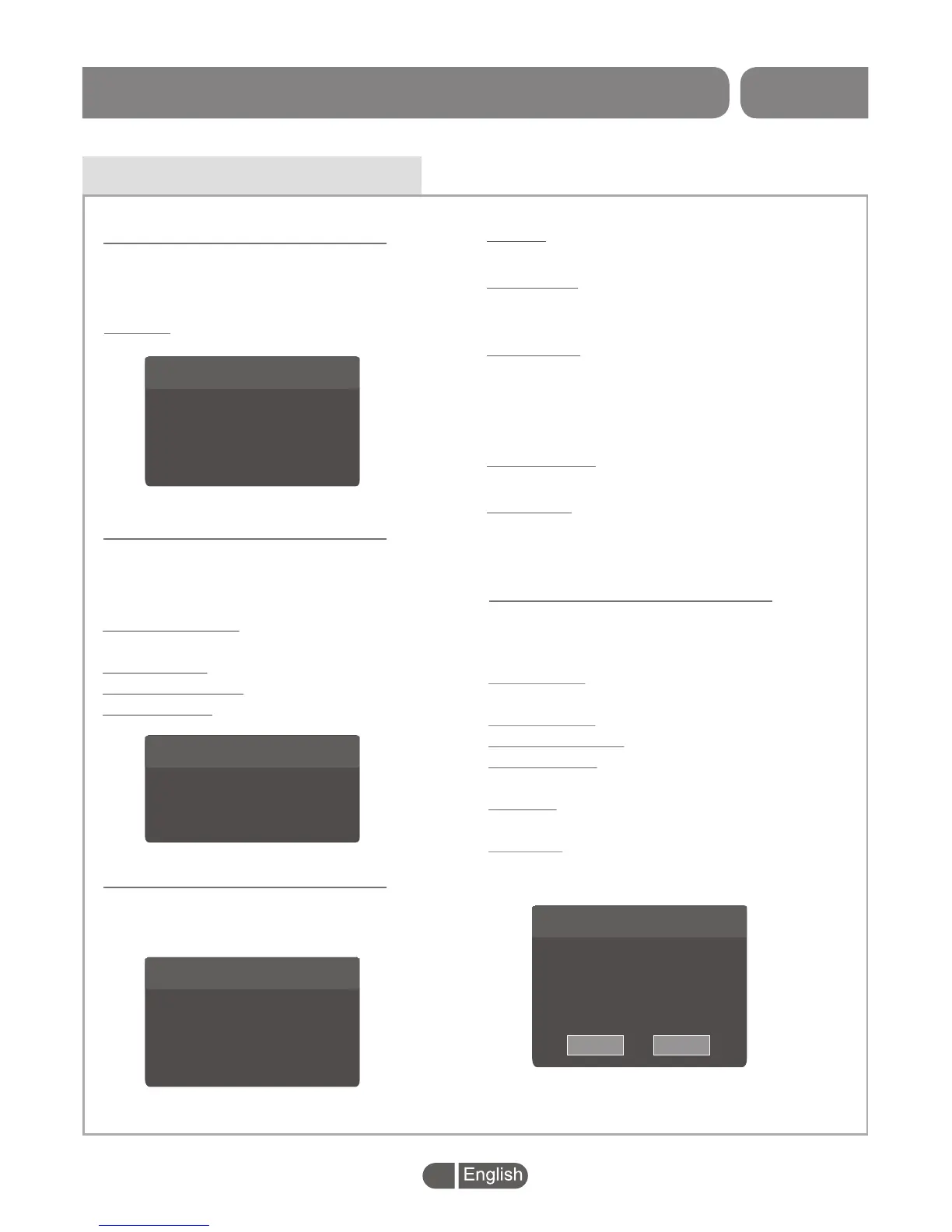
Language
This menu allows you to set Language of
system, Audio, Subtitle and Teletext and
subtitle.
Subtitle: Off/Normal/Hard of Hearing
Language Setting
English
English
English
English
English
On
Language
First Audio
Second Audio
Subtitle Language
Teletext
Subtitle
>
>
>
>
>
>
>
>
>
>
>
>
This menu allows you to set Video Resolution,
Aspect Mode, Digital Audio Out and Video
Output.
Video Resolution:
Aspect Mode:
Digital Audio Out:
Video Output:
Set up Various video
resolutions.
Auto/4:3PS/4:3PB/4:3LB/16:9
BS/LPCM
RGB/CVBS
TV System
>
>
>
>
>
>
>
>
720p@50
Auto
LPCM
RGB
Video Resolution
Aspect Mode
Digital Audio Out
Video Output
TV System
This menu allows you to set the region and the
local time.
Region:
Use to change the region.
GMT Usage:
Use to open the usage of GMT by Region/User
Define. Also to close the usage of GMT.
GMT Offset:
The GMT offset range is "-11:30 ~ +12:00".
increasing every half hour progressively.
(Only valid in "User Define" mode for GMT
Usage.)
Summer Time:
Open/Close "Summer Time".
Date/Time:
Press numeric button to set the Date/time.
(Only valid in "Off"mode for GMT Usage .)
Local Time Setting
>
>
>
>
>
>
>
>
Region
GMT Usage
GMT Offset
Summer Time
Date
Time
UK
By Region
GMT+ 00:00
Off
2017/06/23
02:23:33
Local Time Setting
Timer Setting
This menu allows you to set the program timer.
You can set 8 timers.
Timer Mode:
Timer Service:
Wakeup Channel:
Wakeup Date:
On Time:
Duration:
Off/Once/Daily/Weekly/
Monthly
Channel/Record
Set a wakeup channel.
Set Wakeup Date by
pressing numeric button.
Set On Time by pressing
numeric button.
Set Duration by pressing
numeric button.
Timer Setting
Once
Record
France 5
2017/06/23
03:36
02:00
Timer Mode
Timer Service
Wakeup Channel
Wakeup Date
On Time
Duration
>
>
>
>
>
>
Cancel
Save
SET TOP BOX


 To Next Page