6
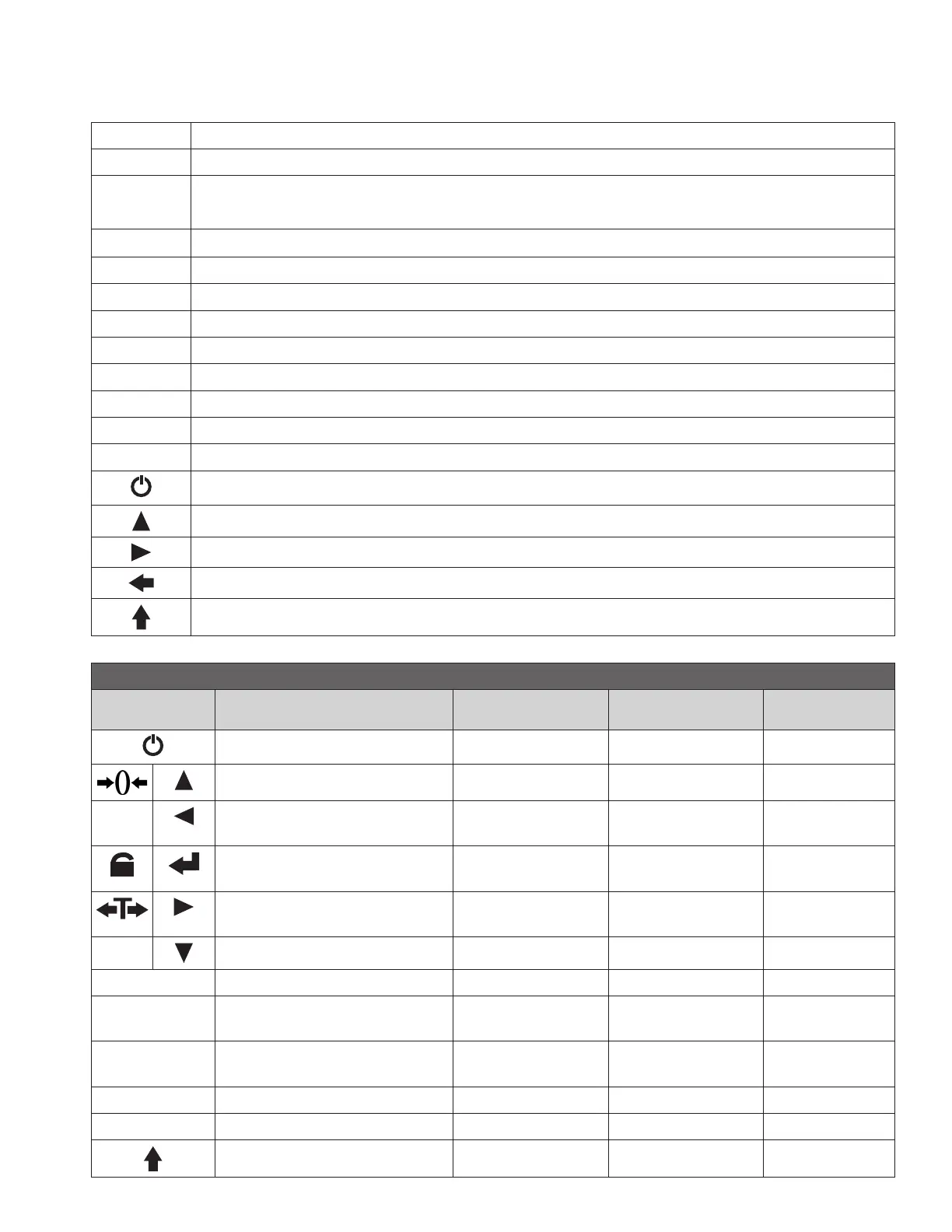
DISPLAY AND KEY DESCRIPTION
ON/OFF Powers the Scale On or Off if held for 2 seconds
ZERO Zero’s the scale
TARE 1. Resets the scale to zero when there is something on the scale
2. Clears the tare to see the gross weight
HOLD Holds the weight
2ND Enters 2nd Mode
STB Shows that the weight is stable
hold Shows you are in Hold mode
lb The weight is shown in pounds
kg The weight is shown in kilograms
Zero Shows you have zeroed the scale
Tare Shows you are in Gross weighing mode
Battery Flashes red = low battery, Solid red = charging
Power
Up Arrow Key
Right Arrow Key
Return/Enter
Enter 2nd Mode
REMOTE KEY DESCRIPTIONS
KEY Weighing Mode 2nd Mode Data Input
Parameter
Settings
Turns off scale Exit Exit
Zero Unit change Add 1 Page up
DEL Clear last accumulation Clear all the
accumulations
Conrm
Hold Parameter
Setting
Enter to
next step
Tare Preset tare
weight
Cursor ashing
to the right
ACC Accumulate Reduce 1 Page down
F1 Check the accumulation Check battery
F2 Serial interface send
the data once
Set the serial
interface
F3 Check the last weight Check the
internal code
F4 Store the weight
F5 Reserved



 To Next Page