7
Using the Autosound System’s Speaker Wires
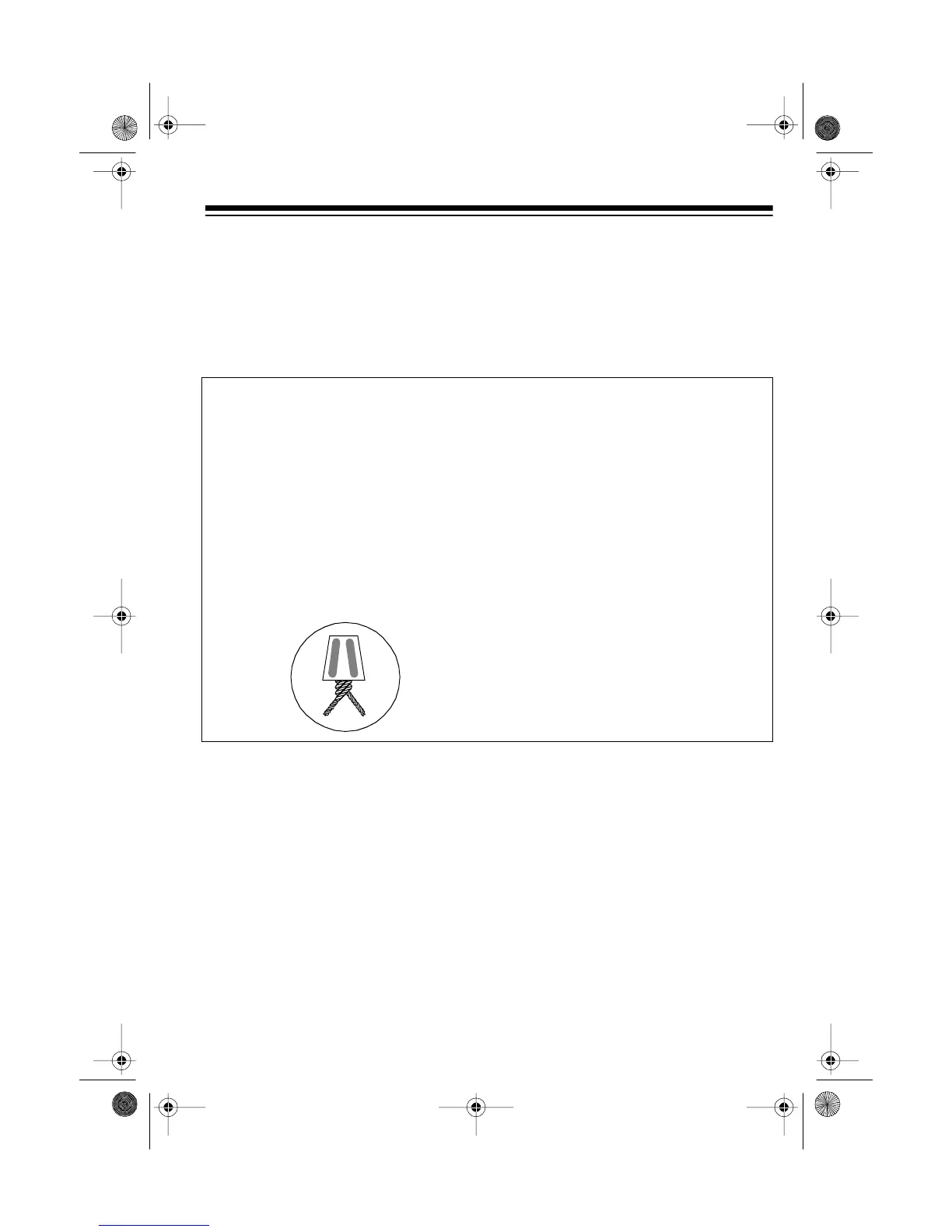
If your autosound system has only speaker output wires and does not have line-out
jacks, use wire twist connectors to make these connections.
Note:
If your autosound system has line-out jacks, connect your equalizer to them
instead (see “Using the Autosound System’s Line-Out Jacks” on Page 6).
1. Connect the autosound system’s
front left (+) speaker wire to the
equalizer’s white wire.
2. Connect the autosound system’s
front left (–) speaker wire to the
equalizer’s white wire with the
black line.
3. Connect the autosound system’s
front right (+) speaker wire to the
equalizer’s gray wire.
4. Connect the autosound system’s
front right (–) speaker wire to the
equalizer’s gray wire with the
black line.
5. Connect the output amplifiers
using separate amplifiers (see
“Using Separate Amplifiers” on
Page 9).
(illus – Show only the autosound
system’s speaker output wires
connected to the equalizer’s
LINE
12-1978.fm Page 7 Tuesday, July 13, 1999 10:31 AM



 To Next Page