17
BASIC TV OPERATION
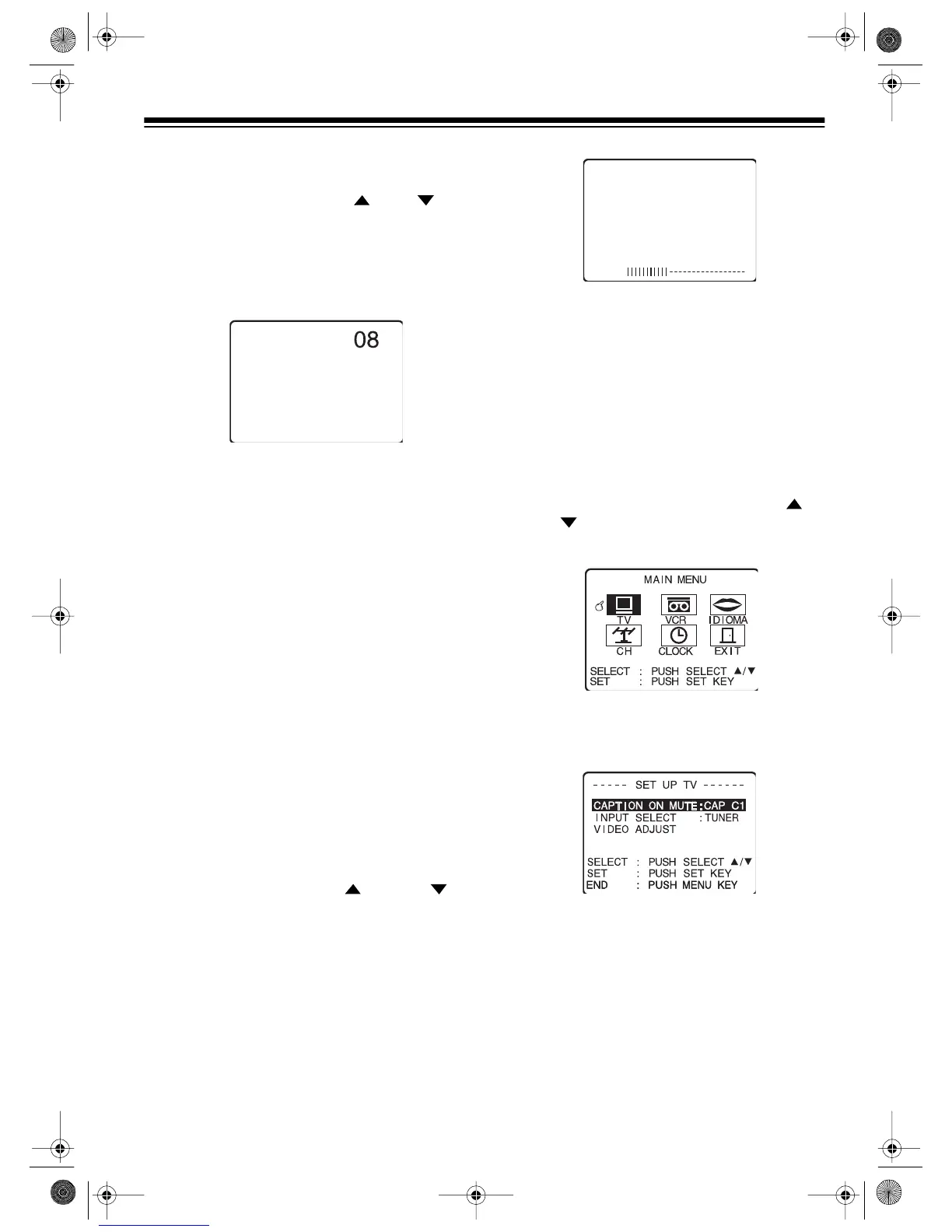
SELECTING CHANNELS
To select a channel, press
CH
or
CH
. The
tuner automatically advances to the next chan-
nel stored in the tuner’s memory. The selected
channel number (or station name, if available)
appears on the upper right part of the screen for
a few seconds.
You can also select channels directly using the
number keys on the remote control. You can
choose any channel in the tuner’s range.
Notes:
• Precede a single-digit number with a 0 —
for example,
01
,
02
, etc.
• To enter a three-digit number, press
100
then enter the second and third digits in the
channel number.
VIEWING TV
Follow these steps to view a broadcast using the
TV.
1. If necessary, press
POWER
to turn on the
TV/VCR.
2. Select the channel you want to watch.
3. Repeatedly press
VOL
or
VOL
to
adjust the volume. A number and a bar
graph appear on the TV screen to show the
currently set volume level.
ADJUSTING THE PICTURE
Follow these steps to adjust the picture’s con-
trast (picture), brightness, color, tint, and sharp-
ness.
1. Press
MENU
on the remote control to dis-
play the main menu.
2. If necessary, repeatedly press
SEL
or
SEL
on the remote control to highlight
TV.
3. Press
SET
to select
TV
. The
SET UP TV
screen appears.
16-421.fm Page 17 Tuesday, July 20, 1999 12:01 PM



 To Next Page