28
QTR Hints
• To see the remaining recording time, press
DISPLAY
or
REC/TIME
on the remote control
once while QTR is in progress.
• QTR cannot function if a cassette is not
inserted, if the erase-protection tab is
removed, or if an automatic timer recording
is in progress.
• To cancel QTR in progress, press
STOP
.
• To temporarily stop the tape during QTR,
press
PAUSE
. Press
PAUSE
again to
resume recording. If you pause a tape for 5
minutes, the TV/VCR automatically stops.
AUTOMATIC TIMER
RECORDING
You can program the TV/VCR’s automatic timer
to select a channel, start recording a broadcast
on that channel at a time and tape speed you
set, then stop recording at a time you set. You
can set up to 8 automatic program timers to
record any combination of weekly, daily, or one-
time broadcasts on the same or different chan-
nels.
You can set up the TV/VCR to record at any time
on a specific day you set within a 1-month period
(ONCE), any time at the same time Monday
through Friday (DAILY), or any time the same
day every week (WEEKLY).
Setting the Automatic Timer
Note:
Before you start, be sure you set the
TV/VCR’s clock to the correct date and time. If
you have not yet set the clock, the TV/VCR au-
tomatically enters the clock setting mode before
it displays the timer setting menu. See “Setting
the Clock Manually” on Page 15.
1. If the TV/VCR is off, insert a blank cassette,
or one that you want to record over, into the
cassette compartment. The TV/VCR auto-
matically turns on.
Note:
If a cassette was loaded when you
last turned off the TV/VCR, you must press
POWER
to turn on the TV/VCR.
2. Press
PROG
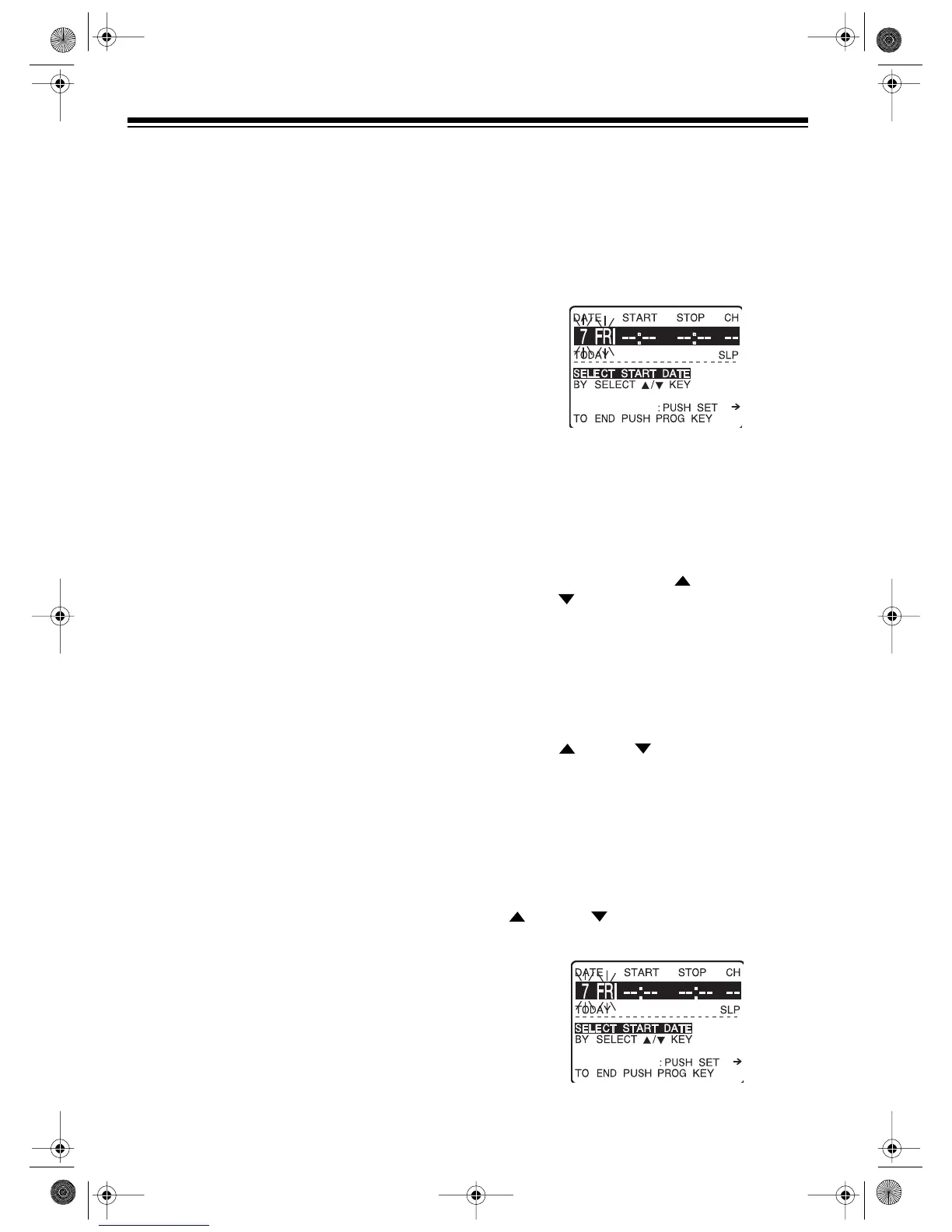
on the remote control. The
timer setting menu appears on the TV
screen. Today’s date flashes, and
TODAY
appears below the flashing date.
Notes:
• You can also use the buttons on the front
of the TV/VCR to display and set the
timer setting menu. To display the menu,
press and hold down
REC/TIME,
then
press
FAST-F
. To set menu options, press
PLAY
instead of
SEL
,
REW
instead of
SEL
, and
FAST-F
instead of
SET
.
• If the set program menu screen appears
instead of the timer setting menu, you
have already entered one or more pro-
grams.
• The current settings for the first four pro-
gram numbers appear. Repeatedly press
SEL
or
SEL
to select an available
program number, then press
SET
. The
timer setting menu appears.
To record a program today (ONCE), go to
Step 3. (The TV/VCR is preset to record a
program today)
.
To record a program on a future date,
repeatedly press (or press and hold)
SEL
or
SEL
until the date you want to
record flashes on the TV screen
.
16-421.fm Page 28 Tuesday, July 20, 1999 12:01 PM



 To Next Page