1
Troubleshooting
Self-Diagnostics
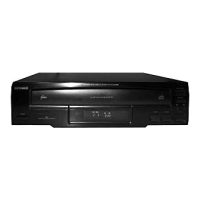
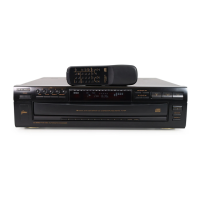
The CD-8400 has a self-diagnostic function. When the CD changer detects an abnormal condition, it displays an error number
on the display. If this happens, try the suggestion shown. If the error number still appears, take the CD changer to your local
RadioShack store for assistance.
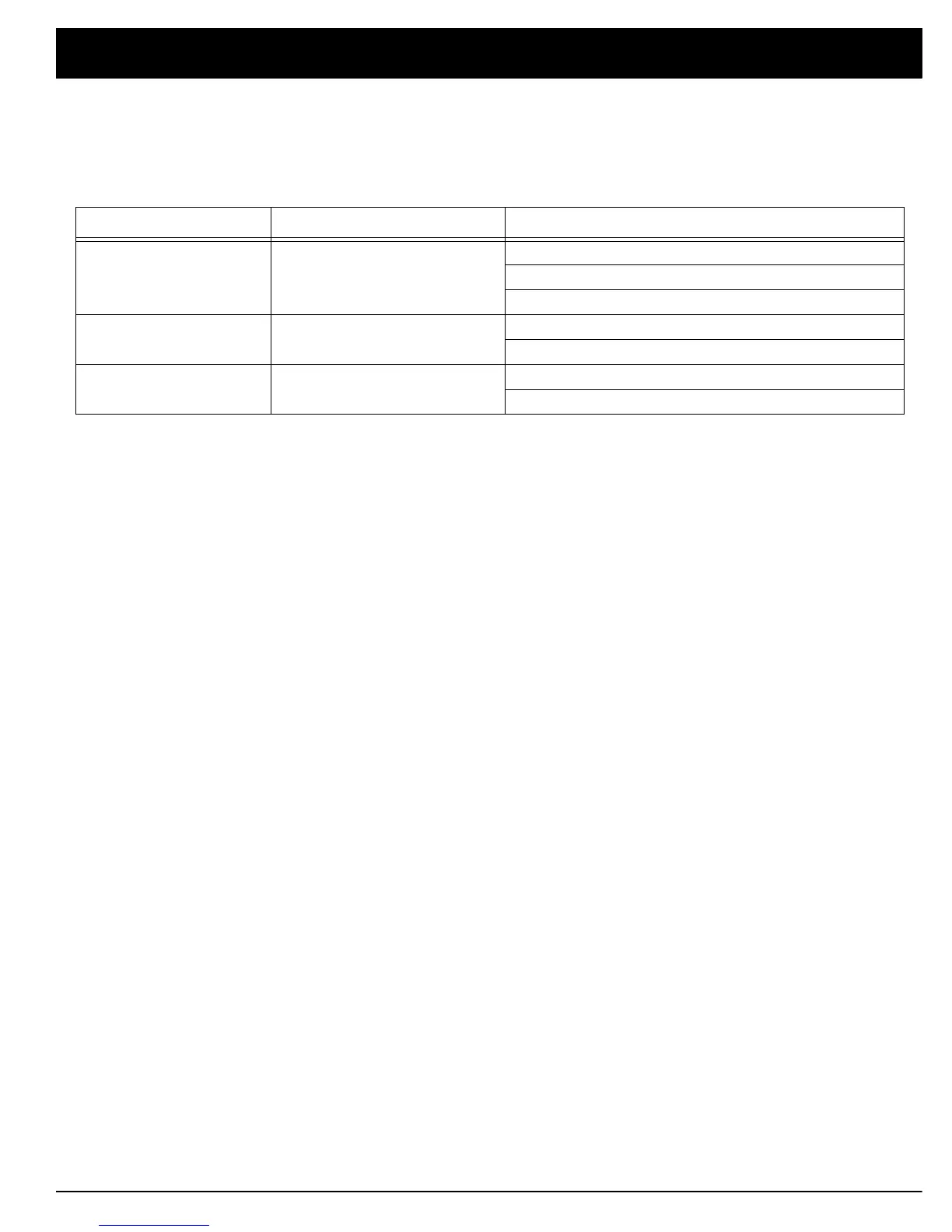
Symptom Possible Cause Suggestion
U1
The disc is not loaded properly. Load the CD with the label side to the left.
The CD might be dirty. Clean the CD.
Check to see if there is a foreign object in the slot.
U2
Mechanism operation error. Check to see if there is a foreign object in the slot.
Unplug the power cord and plug it in again.
U3
Rack cover error. Check to see if the rack cover is blocked by anything.
Unplug the power cord and plug it in again.


 To Next Page