10
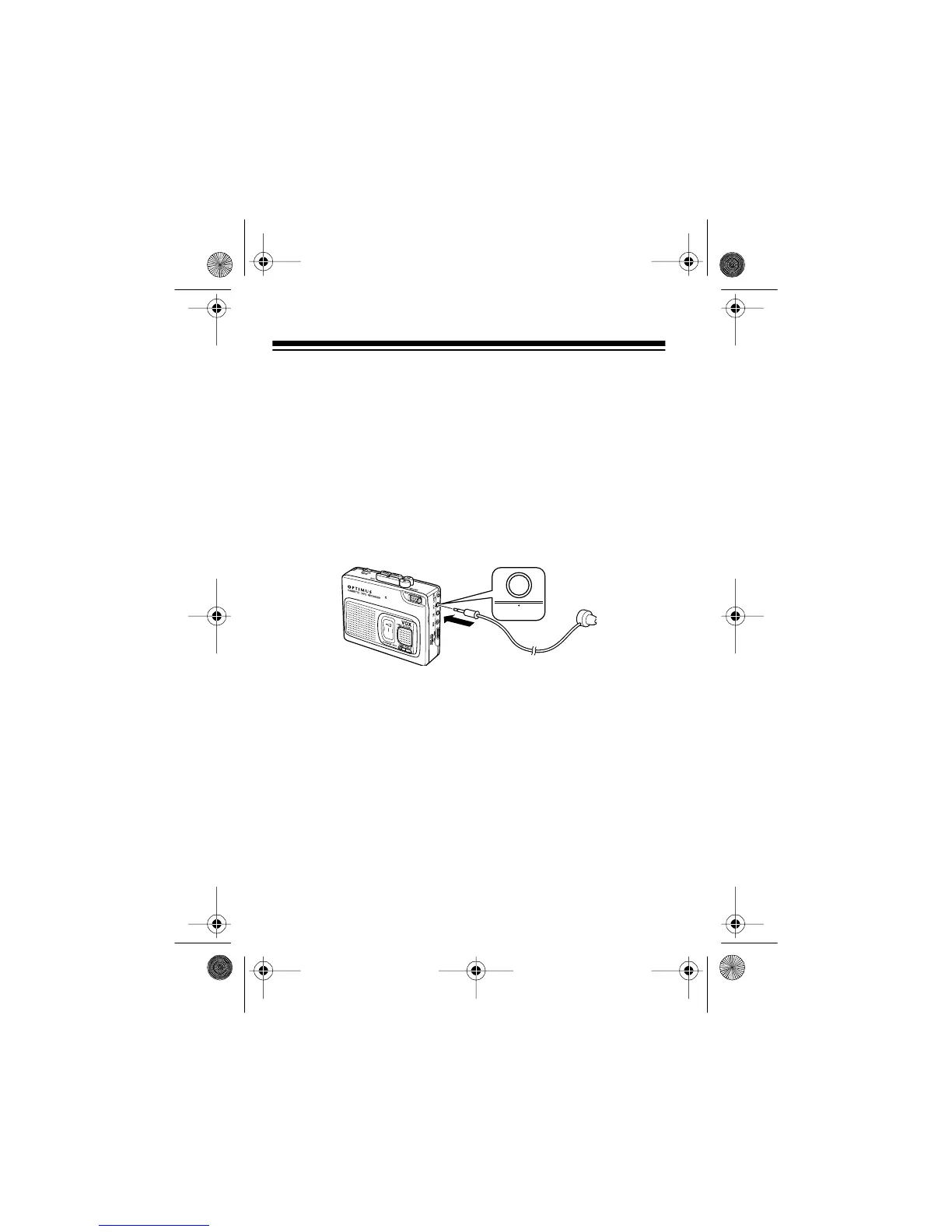
CONNECTING THE EARPHONE
You can use the supplied earphone to listen privately to record-
ed sound or to monitor recording. You can also connect an ex-
ternal or pillow-type speaker (not supplied) to this jack.
Note:
Your local RadioShack store sells a wide variety of
speakers.
Insert the earphone or speaker’s
1
/
8
-inch (3.5-mm) plug into the
EAR
jack. This automatically disconnects the internal speaker.
Listening Safely
To protect your hearing, follow these guidelines when you use
the earphone.
• Do not listen at extremely high volume levels. Extended
high-volume listening can lead to permanent hearing loss.
• Set the volume to its lowest level before you begin listen-
ing. After you put on the earphone, adjust the volume to a
comfortable listening level.
EAR
14-1121.fm Page 10 Thursday, July 1, 1999 2:42 PM



 To Next Page