24
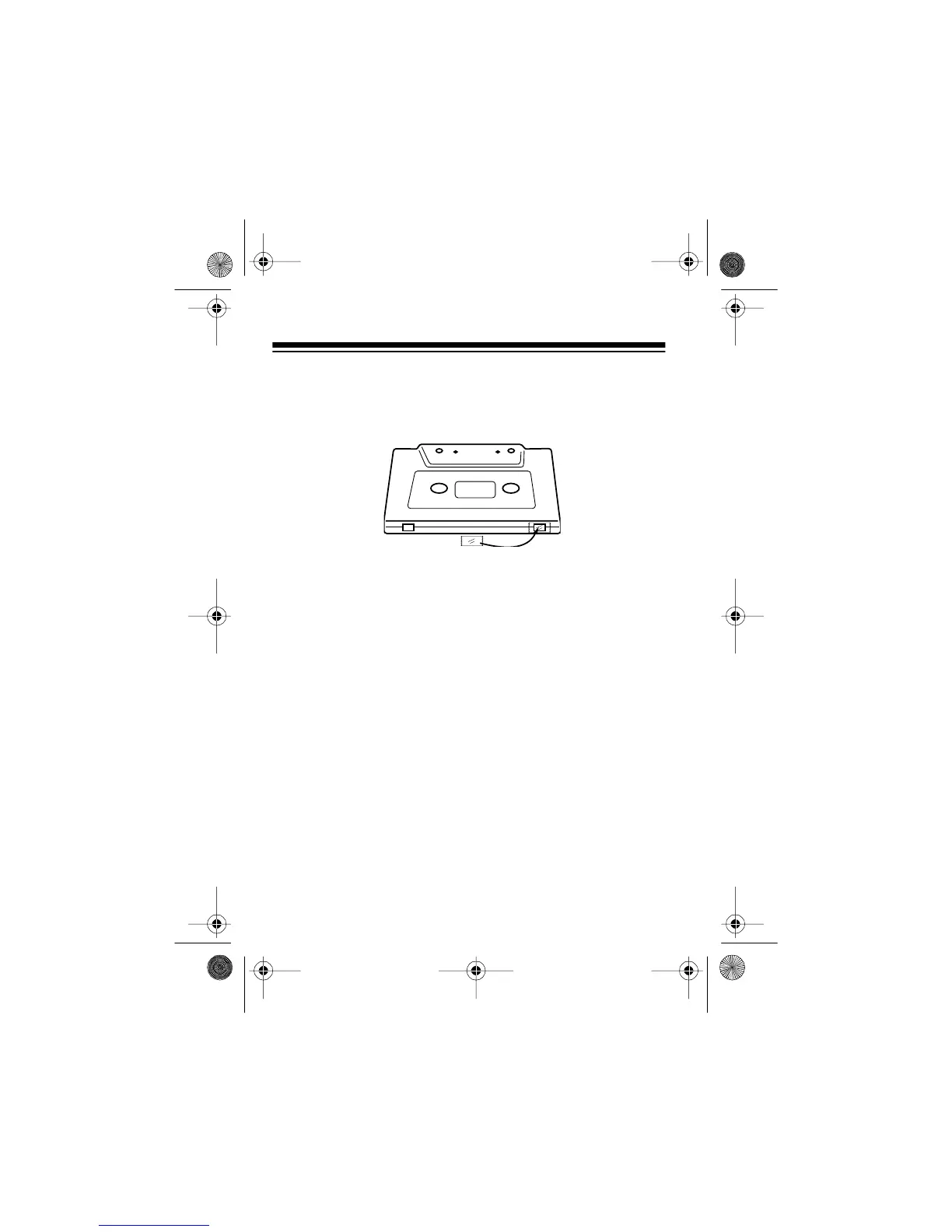
If you later decide to record on a tape side after you have re-
moved its erase-protection tab, place a piece of strong plastic
tape over that side’s erase-protection hole. Be sure you cover
only the hole originally covered by the erase-protection tab.
Caution: Removing the erase-protection tabs does not prevent
a bulk tape eraser from erasing a cassette tape.
RESTORING TAPE TENSION AND
SOUND QUALITY
After you play a cassette tape several times, the tape might be-
come tightly wound on the reels. This can cause playback
sound quality to deteriorate.
To restore the sound quality, fast-forward the tape from the be-
ginning to the end of one side, then completely rewind it. Then
loosen the tape reels by gently tapping each side of the cas-
sette’s outer shell on a flat surface.
Caution: Be careful not to damage the cassette when tapping
it. Do not touch the exposed tape or allow any sharp objects
near the cassette.
A
14-1121.fm Page 24 Thursday, July 1, 1999 2:42 PM



 To Next Page