23
TAPE TIPS
ERASING A RECORDING
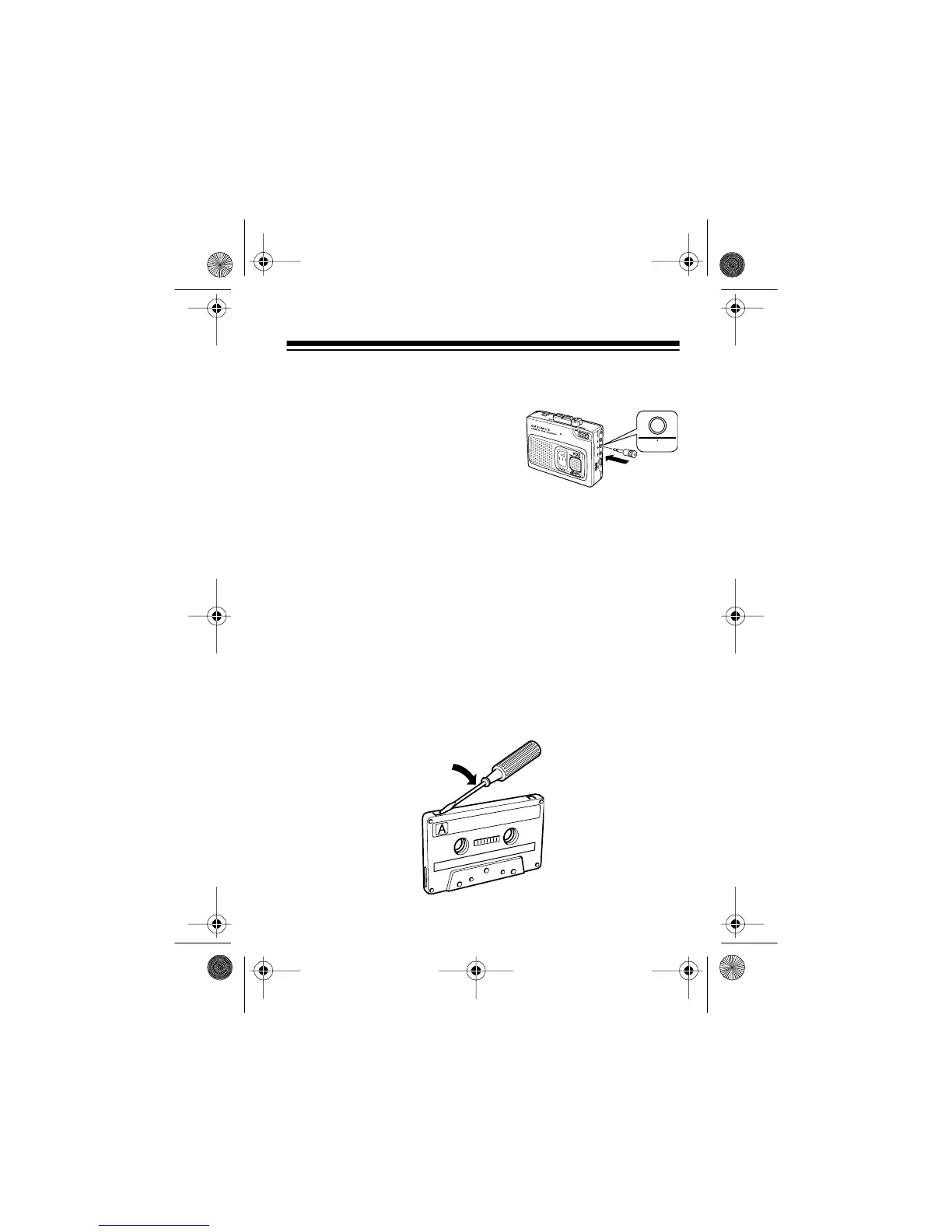
If you want to erase an entire cas-
sette or a portion of a recording, in-
sert the supplied erase plug into the
MIC
jack. Then set
VOX/TONE
to
OUT
and record silence over the
previous recording.
Or, you can quickly erase both sides of a cassette tape using a
bulk tape eraser, available at your local RadioShack store.
PREVENTING ACCIDENTAL ERASURE
Cassettes have two erase-protection tabs — one for each side.
When a tab is in place, you can record on that side.
To prevent accidental erasure of a tape recording, use a screw-
driver to remove one or both of the cassette tape’s erase-pro-
tection tabs. This prevents
RECORD
from being pressed.
14-1121.fm Page 23 Thursday, July 1, 1999 2:42 PM



 To Next Page