13
Note: This switch’s setting has no effect when recording
(see “Recording” on Page 17).
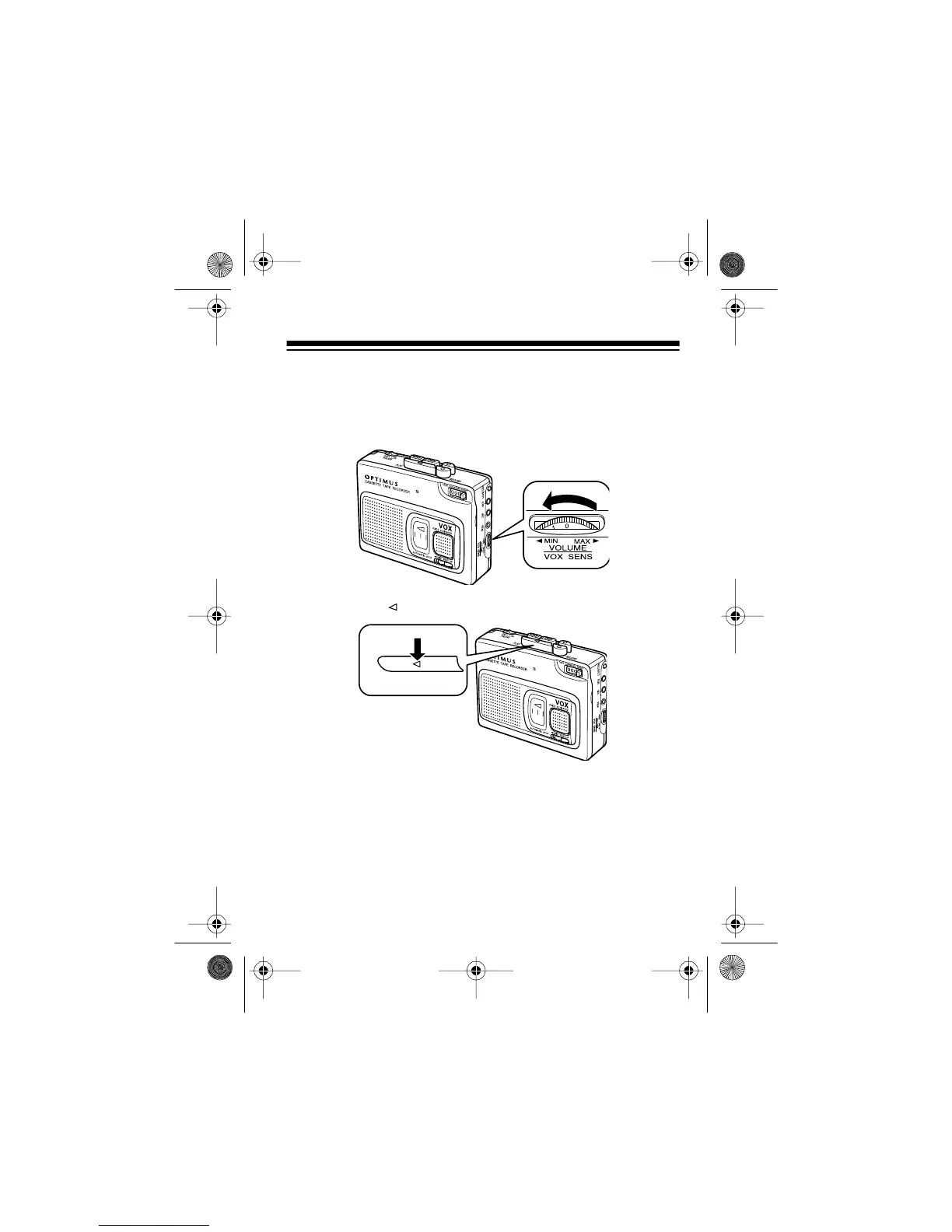
5. Rotate
VOLUME/VOX SENS
counterclockwise to its lowest
setting.
6. Press
PLAY
. The tape begins to play.
7. Adjust
VOLUME/VOX SENS
to a comfortable listening level.
PLAY
14-1121.fm Page 13 Thursday, July 1, 1999 2:42 PM



 To Next Page