15
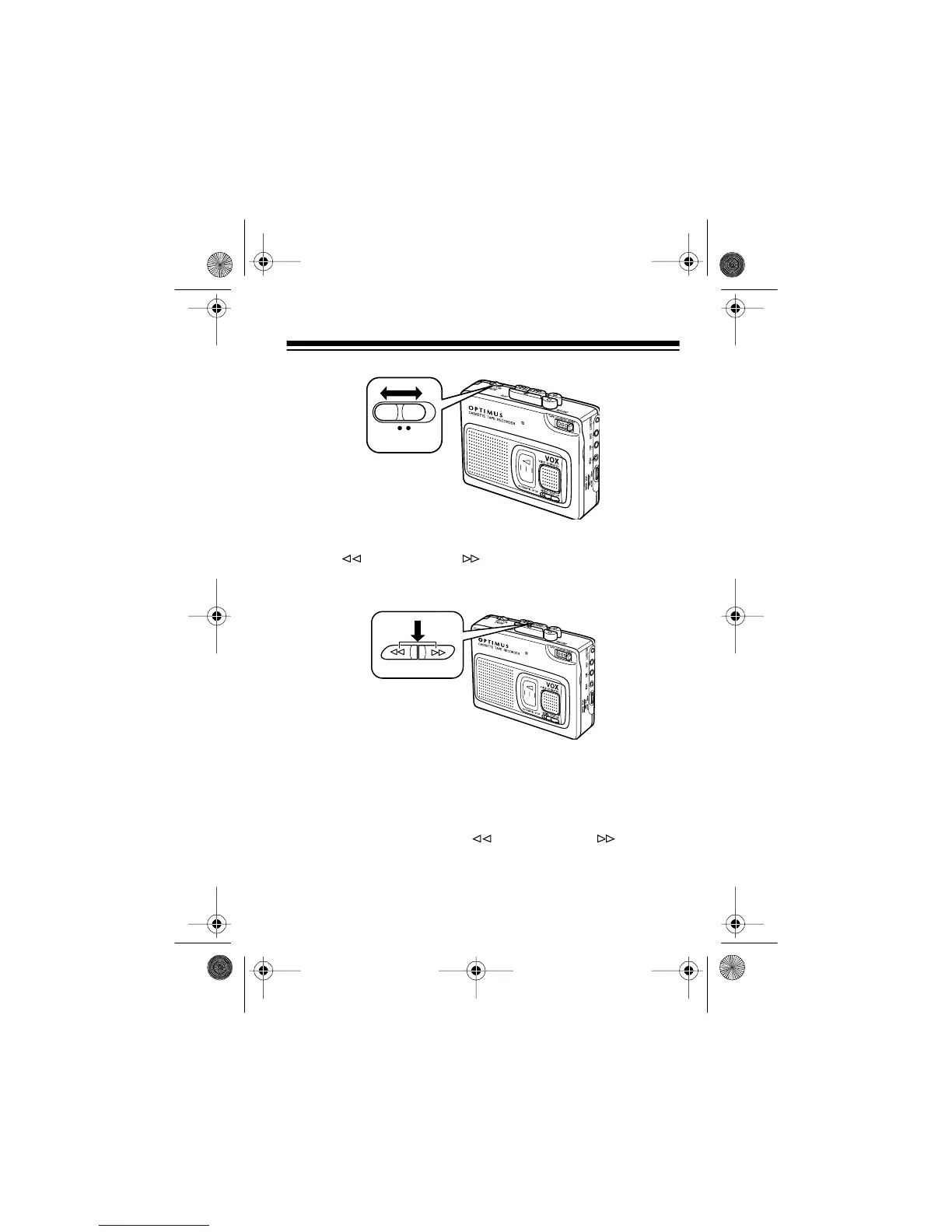
• To rapidly advance or rewind the tape, press
FAST-F/
CUE
or
REWIND/REV
. The button locks down and the
tape continues moving until you press
STOP
. The
TAPE
SPEED
setting affects the fast-forward or rewind speed.
• The CTR-115 does not automatically stop when it reaches
the end of the tape during fast-forward or rewind. To pre-
vent damage to the tape after it has fully wound to either
end, press
STOP
to release fast-forward or rewind.
• If you press
FAST-F/CUE
or
REWIND/REV
while the
tape plays, you hear the tape playing at high speed. This
can help you locate a specific portion of the tape.
OFF
ON
PAUSE
FAST-F/CUE REWIND/REV
14-1121.fm Page 15 Thursday, July 1, 1999 2:42 PM



 To Next Page