19
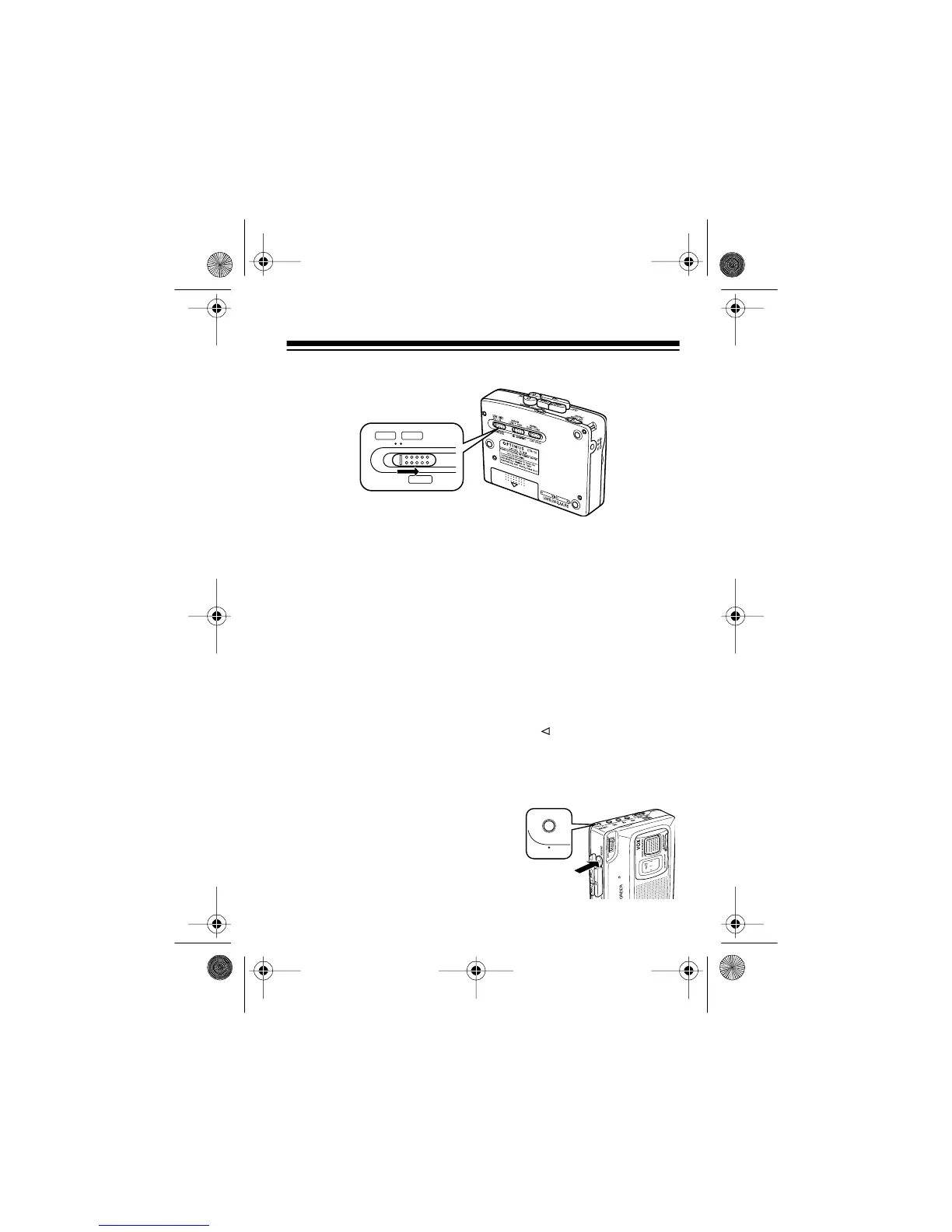
4. Set
VOX/TONE
to
IN
.
5. Set
VOLUME/VOX SENS
to the desired setting (
0
–
10
) to con-
trol how loud a sound is required to turn on the recording
function.
At
10
, a soft sound turns on the recorder. At settings closer
to
0
, it takes a louder sound to start recording. Experiment
to find the best setting for
VOLUME/VOX SENS
in your
recording environment.
Note:
Use the supplied earphone when you want to moni-
tor a recording in progress (see “Connecting the Earphone”
on Page 10).
6. Press
RECORD
.
RECORD
and
PLAY
lock down. Record-
ing starts when the microphone receives a loud enough
signal (voice or other sound). It temporarily stops when the
signal ceases.
The ALC (automatic level con-
trol) circuit automatically sets
the recording level and the
REC/BATT indicator flashes to
show that recording is in
progress.
VOX/
TONE
LOW HIGH
OUT IN
14-1121.fm Page 19 Thursday, July 1, 1999 2:42 PM



 To Next Page