26
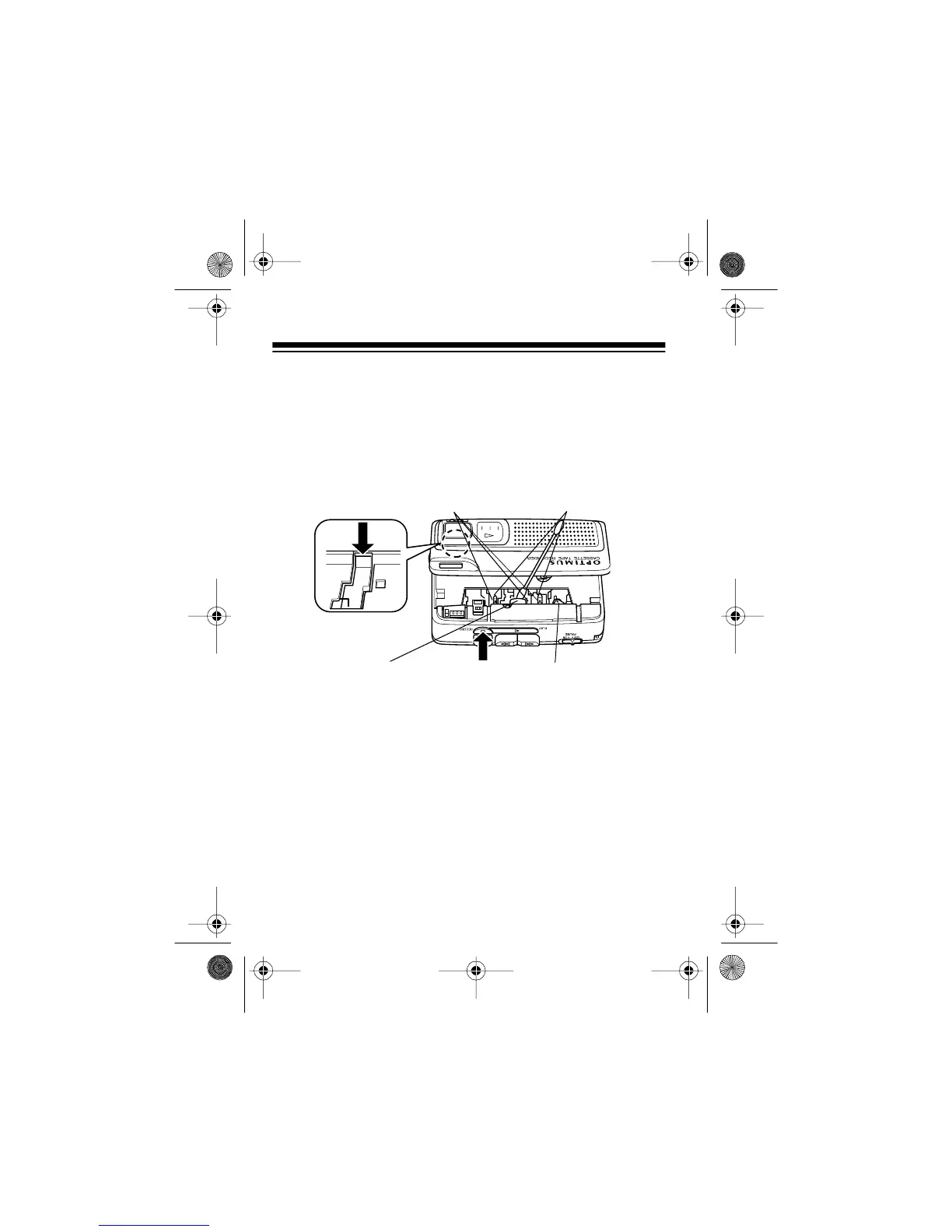
2. Lift open the cassette compartment door.
3. Press the protection tab sensor, then press
RECORD
. The
tape head assembly moves out.
4. Use a cotton swab dipped in tape head cleaner or dena-
tured alcohol to clean the record/playback head, pinch
roller, tape guides, and capstans.
Cautions:
• Never touch the front surface of the record/playback head
with any metallic object.
• Do not use a tape demagnetizer on this product because
such demagnetizers can impair operation of the permanent
magnet erasing device.
CapstansTape Guides
Record/Playback Head
Pinch Roller
Protection
Tab Sensor
14-1121.fm Page 26 Thursday, July 1, 1999 2:42 PM



 To Next Page