M130 Version 1.0 Page 14 of 23
M130
8x8 Audio Matrix
3. Address and chime setting of M132M microphone:
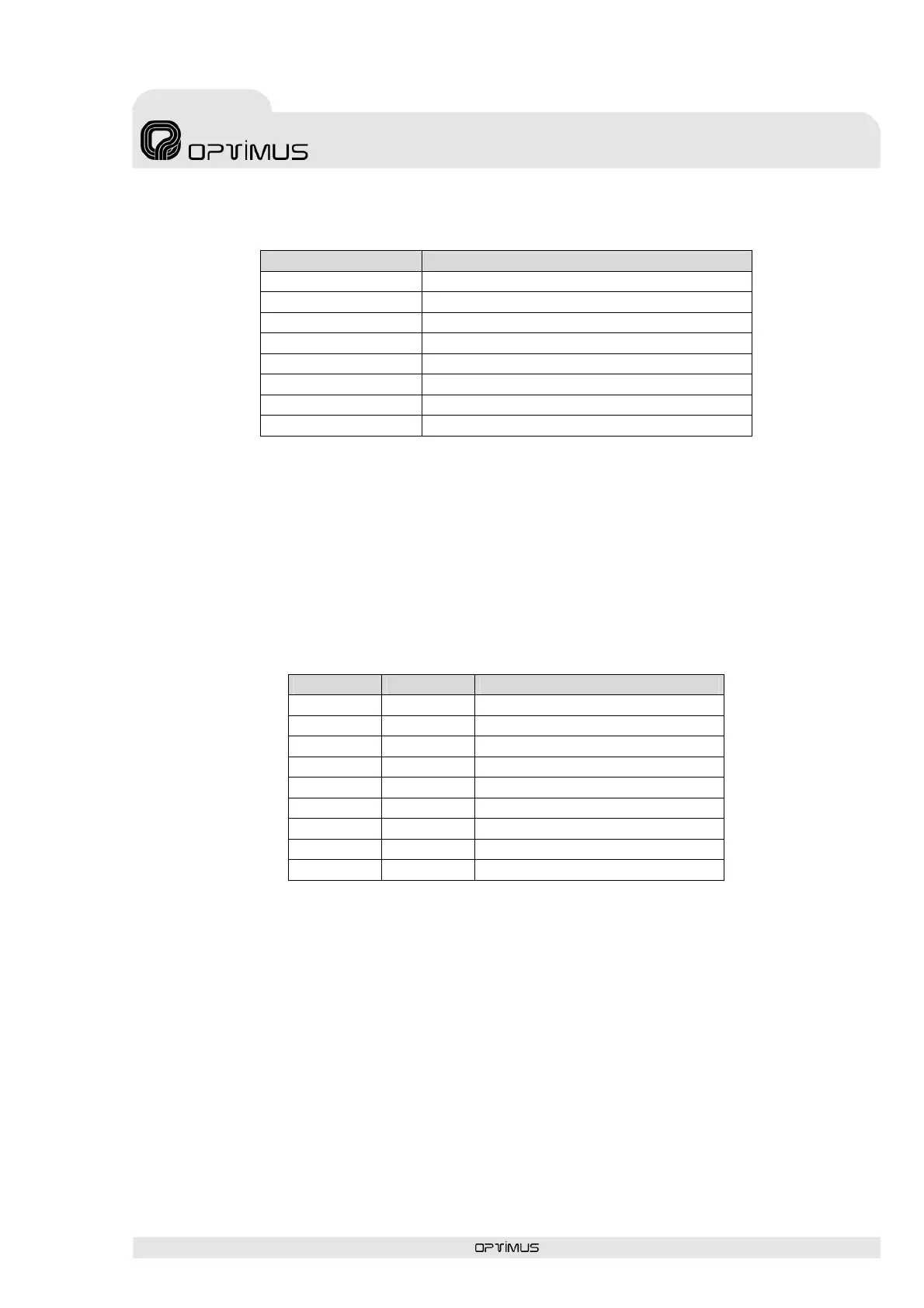
DIP configuration Functions
1. ON Remote microphone station 1
2. ON Remote microphone station 2
3. ON Remote microphone station 3
4. ON Remote microphone station 4
5. ON Enable the 4 rising tone Chime
6. ON Enable the 4 falling tone Chime
7. ON Enable the Push to Talk mode
8. ON or OFF Not used
4. Connect to M130 audio matrix.
You can connect up to four remote M132M microphones to the M130 matrix. The IP address fo
each M132M must be set properly.
To connect the M132M microphone, you have to use a CAT5. STP cable (we recommend
shielded twisted 8 pairs).
When you use a cable 8 pair unshielded twisted CAT5. UTP, don't connect the PIN6 (A-GND).
The M132M also works, but has less ability to suppress interferences.
The Pin correspondence of the M132M microphone's connector is:
PIN Nº Name Description
1 Tx- Negative transmission RS-422
2 Tx+ Positive transmission RS-422
3 Rx- Negative reception RS-422
4 Rx+ Positive reception RS-422
5 D-GND Digital ground
6 A-GND Analog ground
7 Audio - Balanced audio negative
8 Audio + Balanced audio positive
9 DC-Output +24VDC power



 To Next Page