M130 Version 1.0 Page 19 of 23
M130
8x8 Audio Matrix
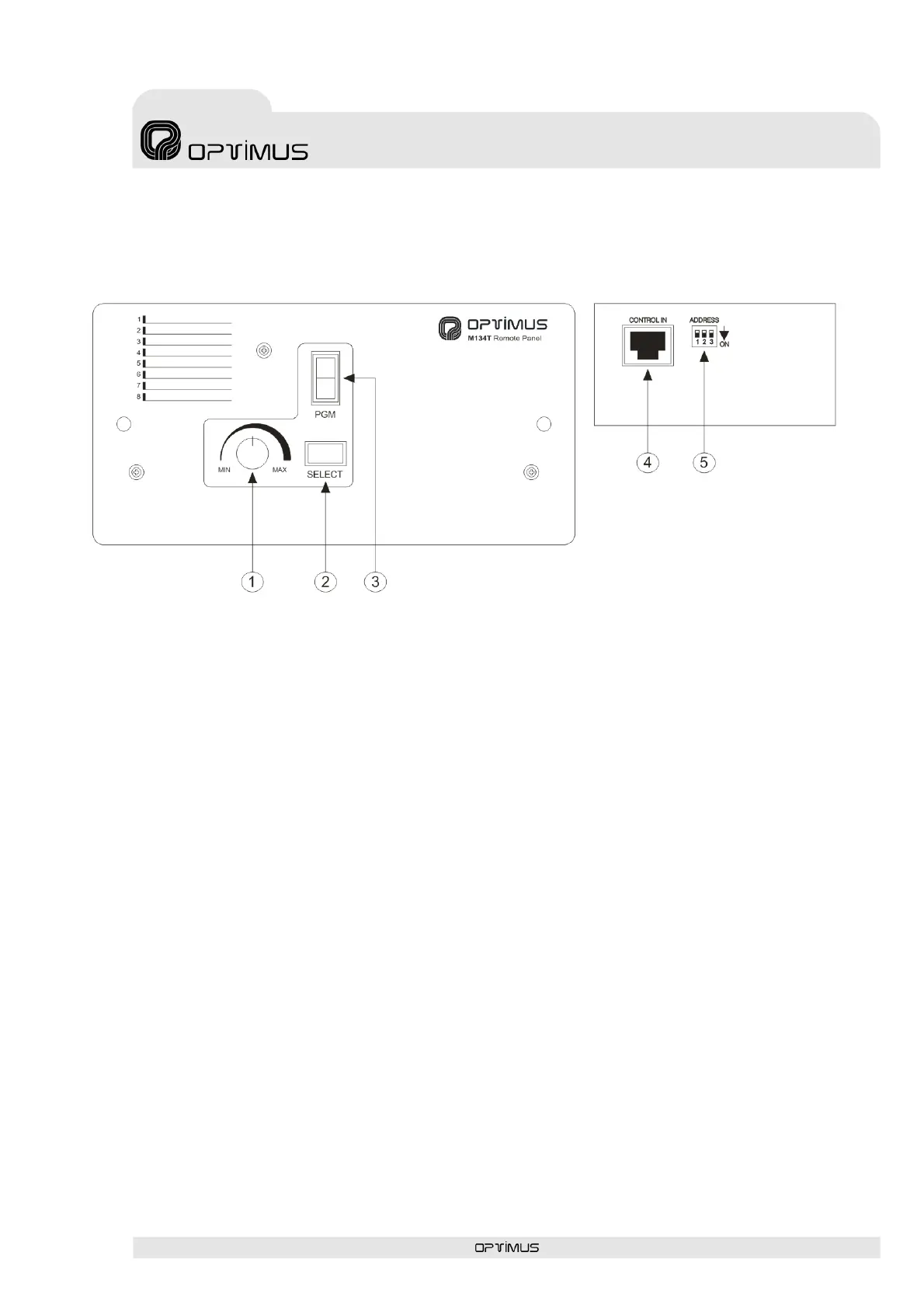
8. REMOTE CONTROL PANEL M134T
1. Volume control for Aux 1~8.
It is used to control the volume of the music.
2. Selector button for auxiliary audio source 1~8.
It is used to select the auxiliary audio source 1~8 desired.
3. LED display for channel selection.
Shows the auxiliary channel that has been selected 1~8.



 To Next Page