English
11
INTRODUCTION
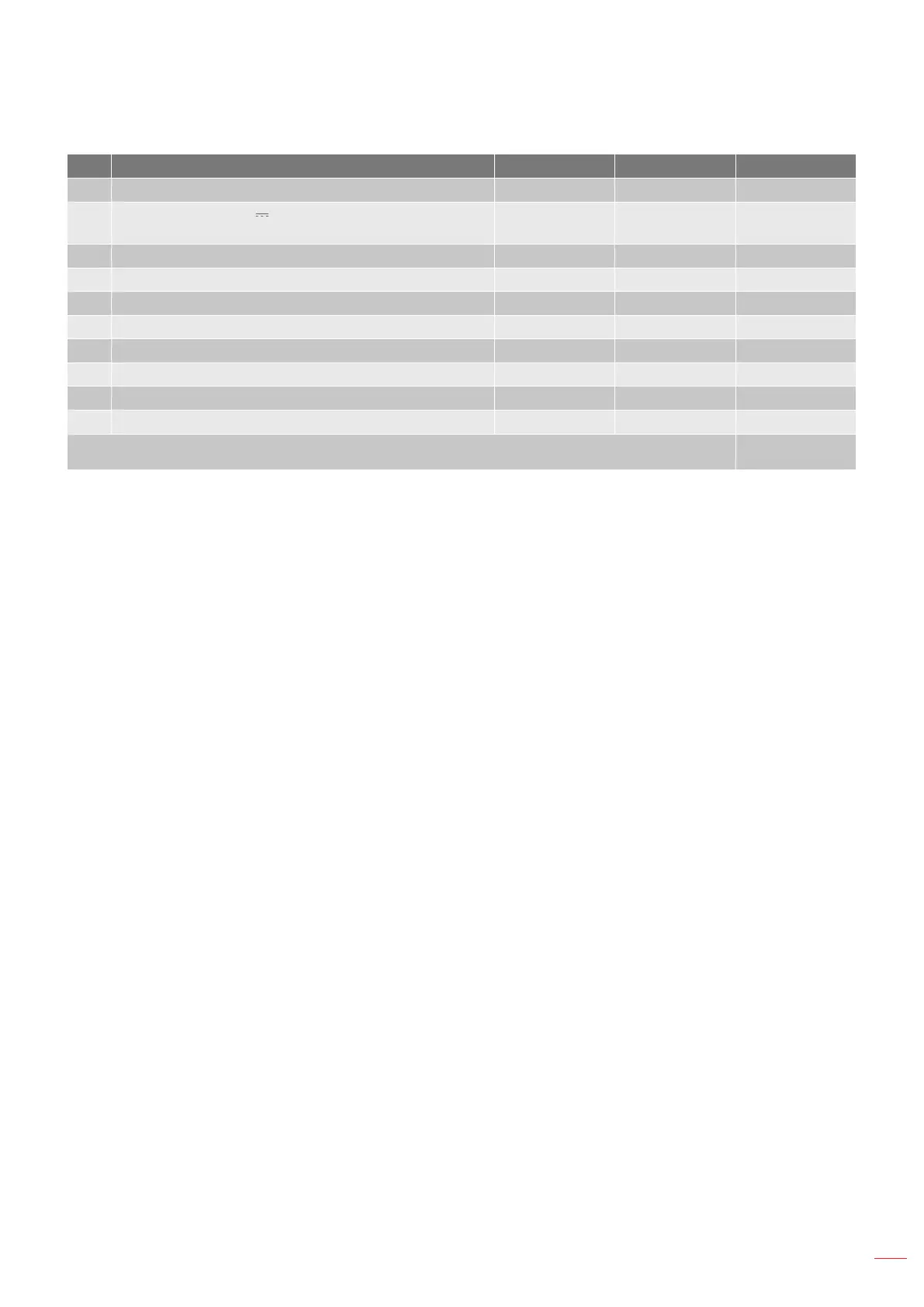
No Item Type 1 (3 IO) Type 2 (6 IO) Type 3 (8 IO)
1. HDMI Connector N/A √ √
2.
USB Power Out (5V 1.5A) Connector / MOUSE /
SERVICE Connector
√ √ √
3. VGA IN Connector √ √ √
4. VIDEO Connector √ √ √
5. AUDIO IN Connector N/A √ √
6. AUDIO OUT Connector N/A √ √
7. VGA OUT Connector N/A N/A √
8. Kensington
TM
Lock Port √ √ √
9. RS232 Connector N/A N/A √
10. Power Socket √ √ √
Note: “√” means the item is supported, “N/A” means the item is not available.
Note:
Remote mouse requires special remote control.
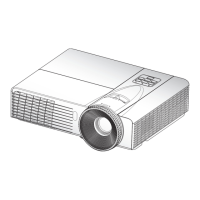
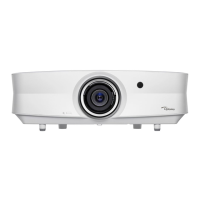
The I/Os depend on the projector you purchased, please check the physical product for reference.



 To Next Page