English
68
ADDITIONAL INFORMATION
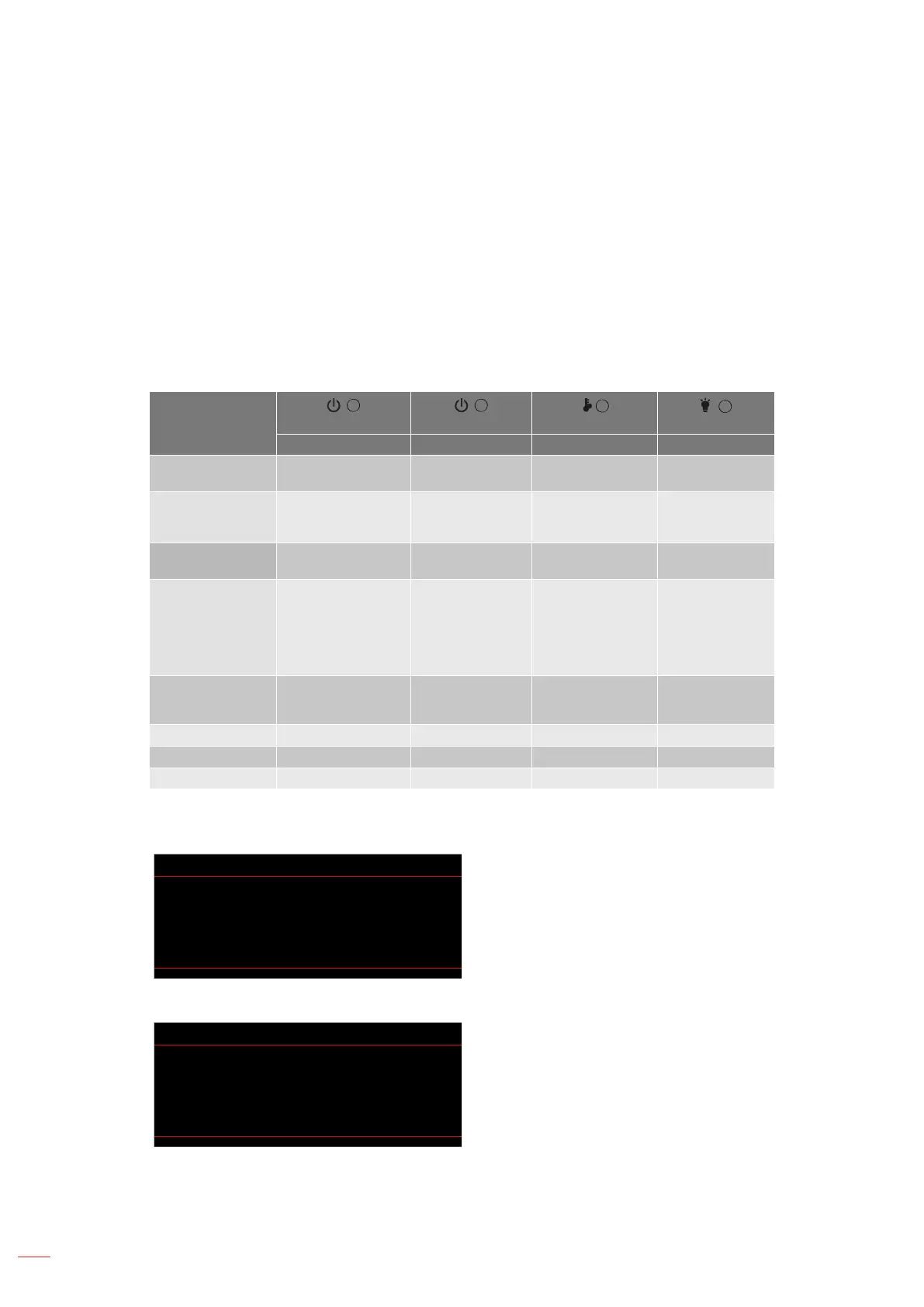
Warning indicators
When the warning indicators (see below) light up or ash, the projector will automatically shutdown:
"LAMP" LED indicator is lit red and if "On/Standby" indicator ashes red.
"TEMP" LED indicator is lit red and if "On/Standby" indicator ashes red. This indicates the projector
has overheated. Under normal conditions, the project can be switched back on.
"TEMP" LED indicator ashes red and if "On/Standby" indicator ashes red.
Unplug the power cord from the projector, wait for 30 seconds and try again. If the warning indicator light up or
ash, please contact your nearest service center for assistance.
LED lightning messages
Message
Power LED Power LED
Temp-LED
Lamp-LED
(Red) (Green or Blue) (Red) (Red)
Standby state
(Input power cord)
Steady light
Power on (Warming)
Flashing
(0.5 sec o /
0.5 sec on)
Power on & Lamp
lighting
Steady light
Power o (Cooling)
Flashing
(0.5 sec o /
0.5 sec light). Back
to red steady light
when cooling fan
turns o.
Quick Resume (100
secs)
Flashing
(0.25 sec o /
0.25 sec on)
Error (Lamp fail) Flashing Steady light
Error (Fan failure) Flashing Flashing
Error (Over Temp) Flashing Steady light
Power o:
Power O
Power O?
Press power key again.
Lamp warning:
Warning
Lamp Warning
Lamp life exceeded.



 To Next Page