English
65
Key
Key
code
Printing-key
definition
Description
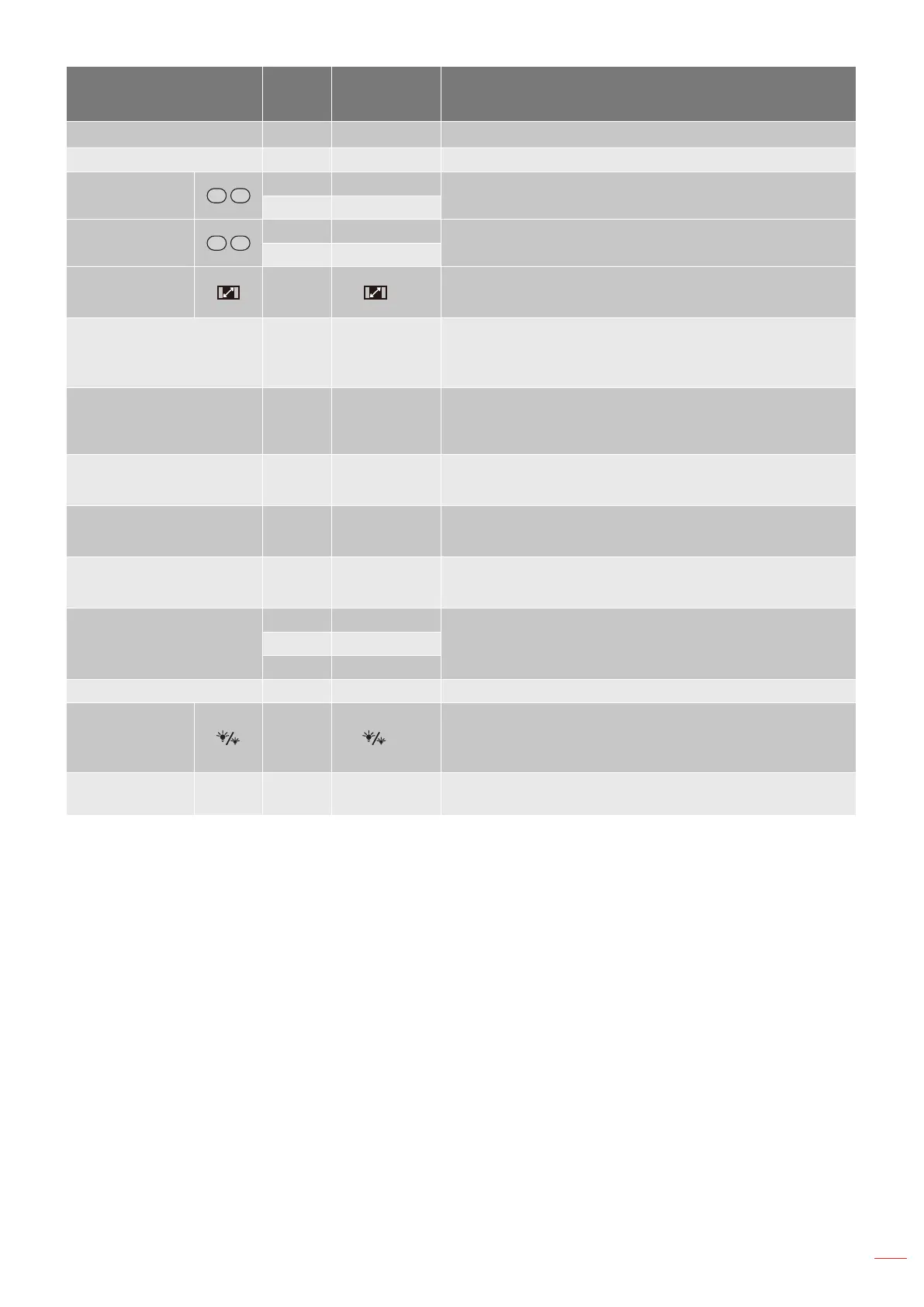
Laser N/A Laser Use as laser pointer.
Page + C1 Page+ Press to page up.
V Keystone
85 Keystone+
Press to adjust image distortion caused by tilting the
projector.
84 Keystone-
Volume
8C Volume +
Press to adjust to increase / decrease the volume.
8F Volume -
Aspect ratio / 1 98
/ 1
Press to change aspect ratio of a displayed image.
Use as numeric keypad number "1".
Menu / 2 88 Menu/2
Press to display or exit the on-screen display menus
for projector.
Use as numeric keypad number "2".
3D / 3 93 3D/3
Press to manually select a 3D mode that matches
your 3D content.
Use as numeric keypad number "3".
HDMI / 4 86 HDMI/4
Press to choose HDMI source.
Use as numeric keypad number "4".
VGA / 5 D0 VGA/5
Press to choose VGA source.
Use as numeric keypad number "5".
Video / 6 D1 Video/6
Press to choose composite video source.
Use as numeric keypad number "6".
User1 / 7; User2 / 8;
User3 / 9
D2 User 1/7
User dened keys. Please see page 45 to setup.
Use as numeric keypad numbers "7", "8", and "9"
accordingly.
D3 User 2/8
D4 User 3/9
Source C3 Source Press to select an input signal.
Brightness
mode / 0
96
/ 0
Press to automatically adjust the picture brightness
to give an optimum contrast performance.
Use as numeric keypad number "0".
Re-sync C4 Re-Sync
Press to automatically synchronize the projector to the
input source.



 To Next Page