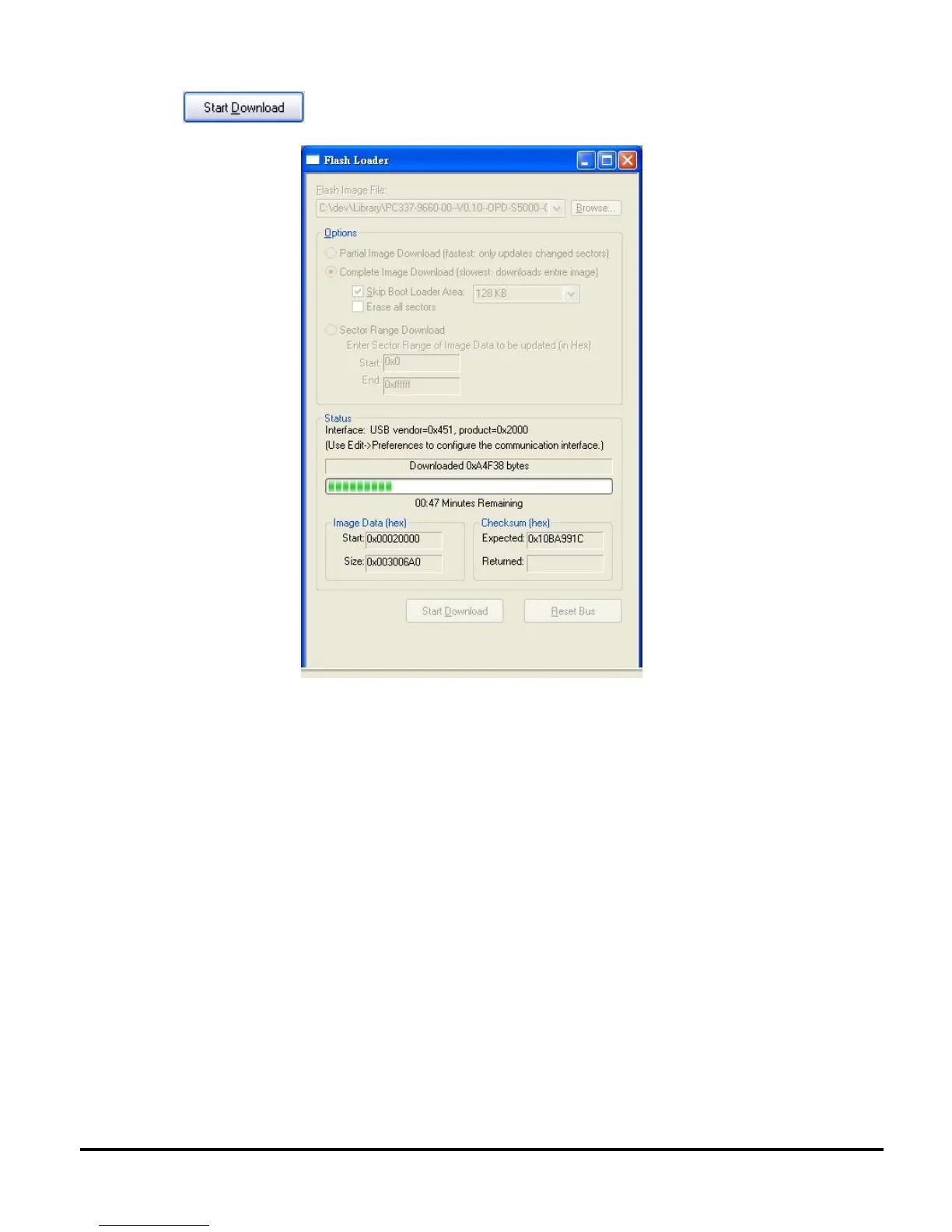
10. Press to start download firmware into projector.
11. Projector will turn on automatically when FW update is finished ("Download complete" will
appear). Press "MENU" or "4-direction" navigator button to turn off the projector (NOTE:
"Power" button does not function at this point). Cooling process (fans spinning) will then start.
Unplug the power cord when the cooling process is complete; otherwise, the projector will
automatically switch back on again.



 To Next Page