26
English
User Controls
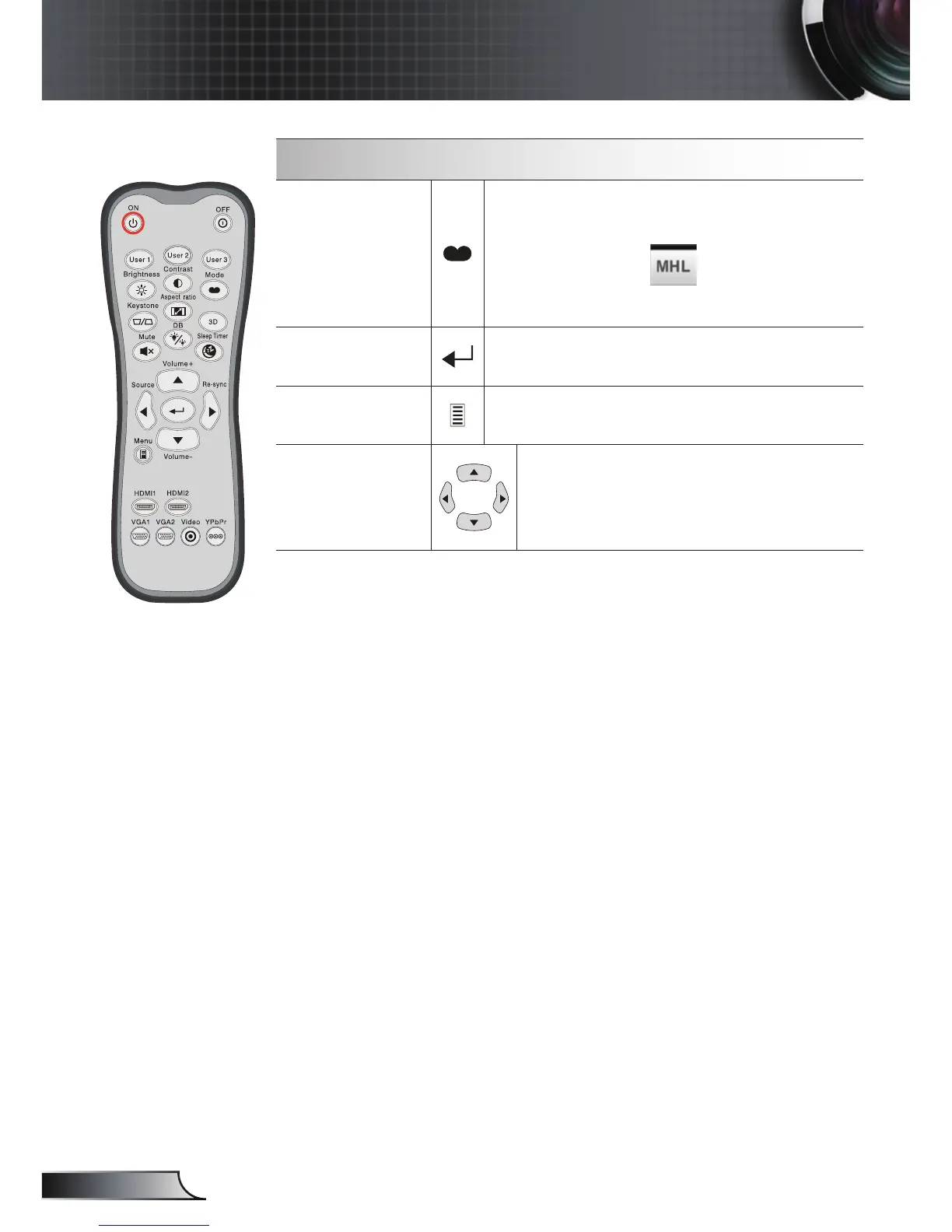
MHL (Mobile High-De nition Link) Control
Mode
Press “Mode” button for more than one
second to activate the MHL remote control
mode.
To exit, press the “Mode” button again.
Select
To select the le.
Menu
Press to launch the root menu.
Four
directional
select keys
Use up, down, left, right buttons to
select items or make adjustments to
your selection.


 To Next Page