52
English
User Controls
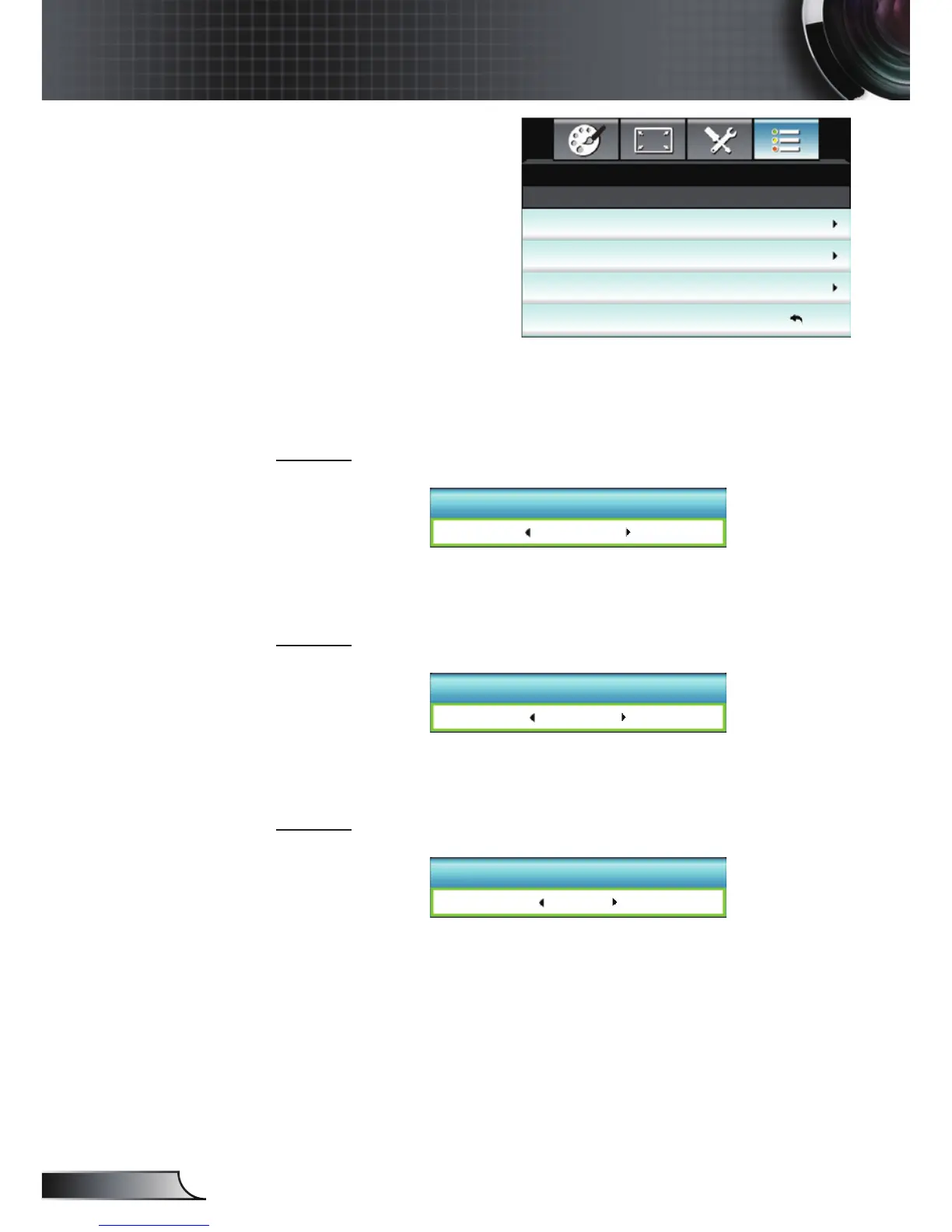
USER 1
The default value is Color Settings.
USER 1
Color Settings
Press ► into the next menuand then use ◄ or ►to select “Color
Settings”, “ColorTemp”, “Gamma”, “HDMI Link”, “Test Pattern” or
“AV Mute” item.
USER 2
The default value is Color Temp.
USER 2
Color Temp.
Press ► into the next menuand then use ◄ or ►to select “Color
Settings”, “ColorTemp”, “Gamma”, “HDMI Link”, “Test Pattern” or
“AV Mute” item.
USER 3
The default value is Gamma.
USER 3
Gamma
Press ► into the next menuand then use ◄ or ►to select “Color
Settings”, “ColorTemp”, “Gamma”, “HDMI Link”, “Test Pattern” or
“AV Mute” item.
OPTIONS | Remote
Settings
USER 1
USER 2
USER 3
OPTIONS
Color Settings
Exit
Remote Settings
Color Temp.
Gamma



 To Next Page