45
English
User Controls
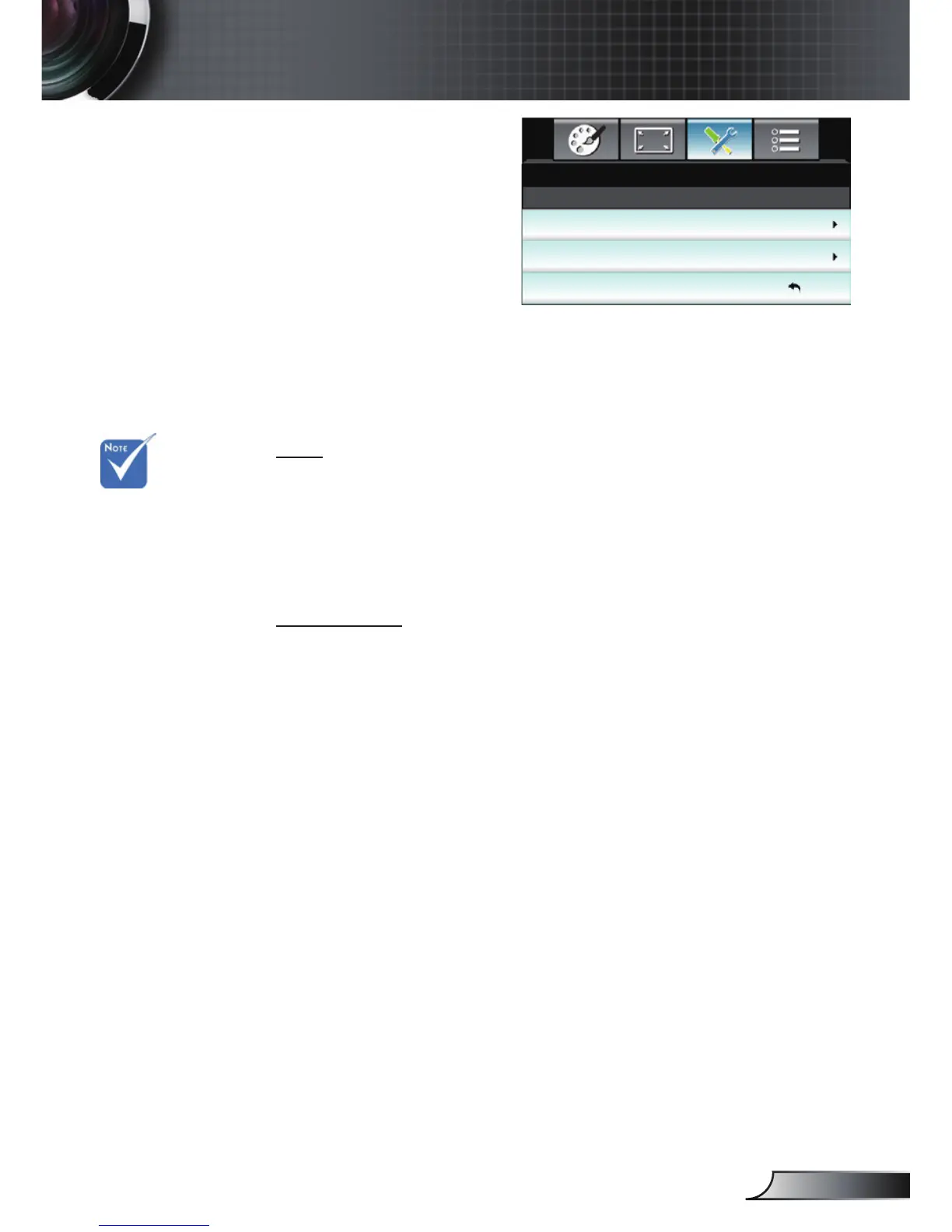
SETUP |
Advanced
Logo
Use this function to set the desired startup screen. If changes are
made they will take effect the next time the projector is powered
on.
Default: The default startup screen.
Neutral: Logo is not displayed on startup screen.
User: Use stored picture from “Logo Capture” function.
Logo Capture
Press ► to capture an image of the picture currently displayed on
screen.
Logo
Logo Capture
SETUP
Exit
Advanced
Default
For a successful
logo capture,
ensure that the
on-screen image
does not exceed
the projector
native resolution.
(1080p: 1920 x
1080).



 To Next Page