48
English
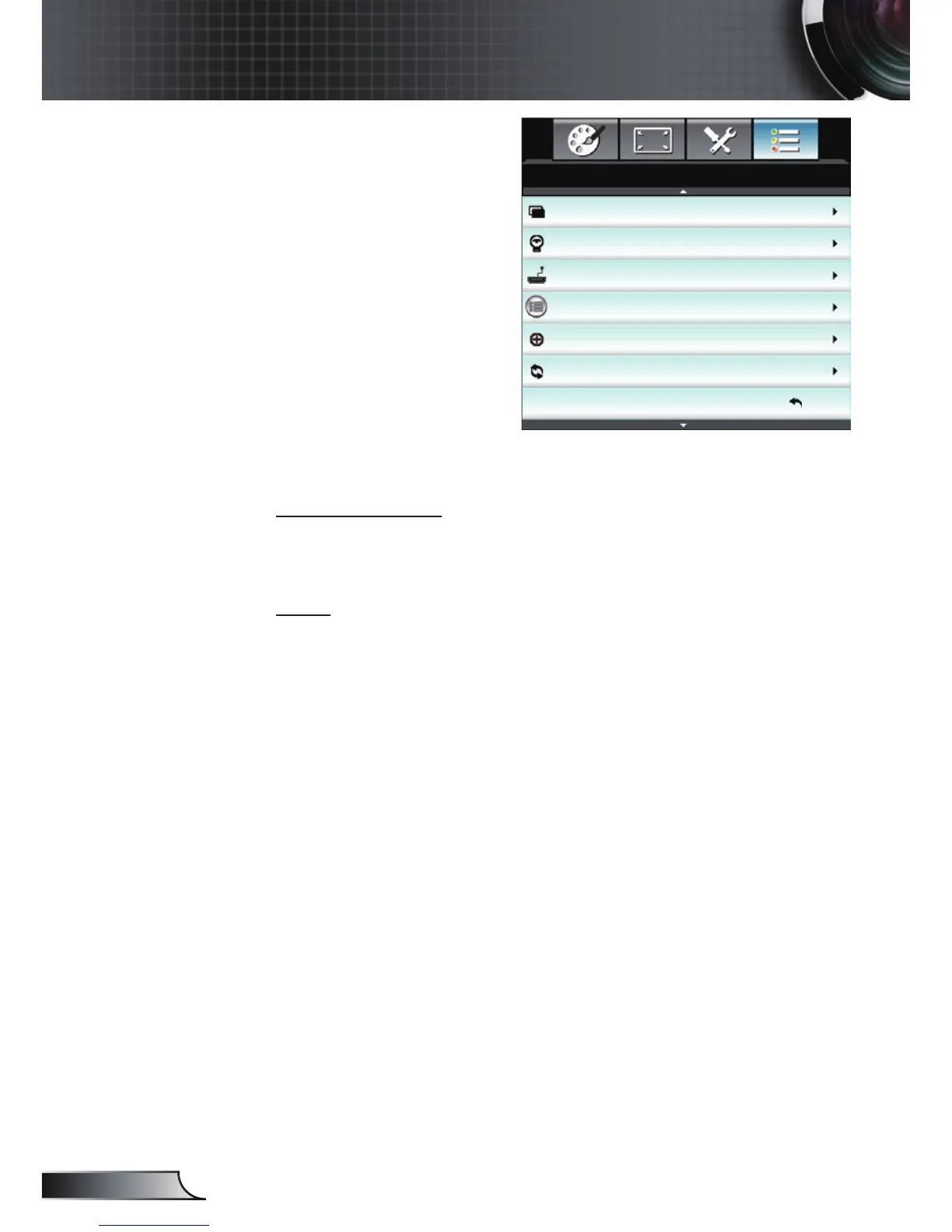
User Controls
Background Color
Lamp Settings
HDMI Link Settings
Remote Settings
Advanced
Reset
OPTIONS
Background Color
Use this feature to display a “Black”, “Red”, “Blue”, “Green” or
“White”, screen when no signal is available.
Reset
Current: Choose “Yes” to return the display parameters on this
menu to the factory default settings.
All: Choose “Yes” to return the display parameters on all
menus to the factory default settings.
Black
Exit
OPTIONS



 To Next Page