33
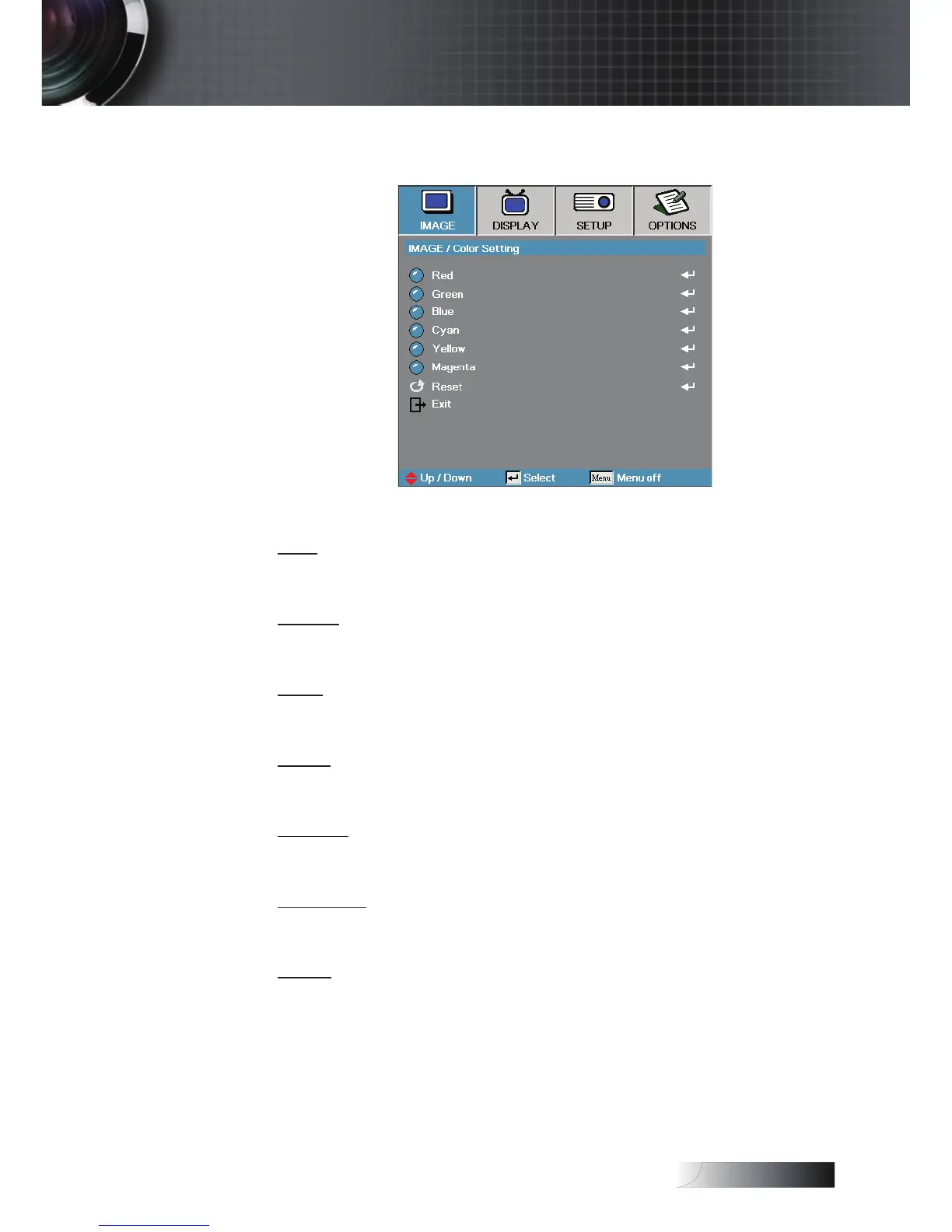
Image | Color Setting
Red
Increase or decrease the color value for red.
Green
Increase or decrease the color value for green.
Blue
Increase or decrease the color value for blue.
Cyan
Increase or decrease the color value for cyan.
Yellow
Increase or decrease the color value for yellow.
Magenta
Increase or decrease the color value for magenta.
Reset
Reset all Color Setting values to the factory default.
User Controls


 To Next Page